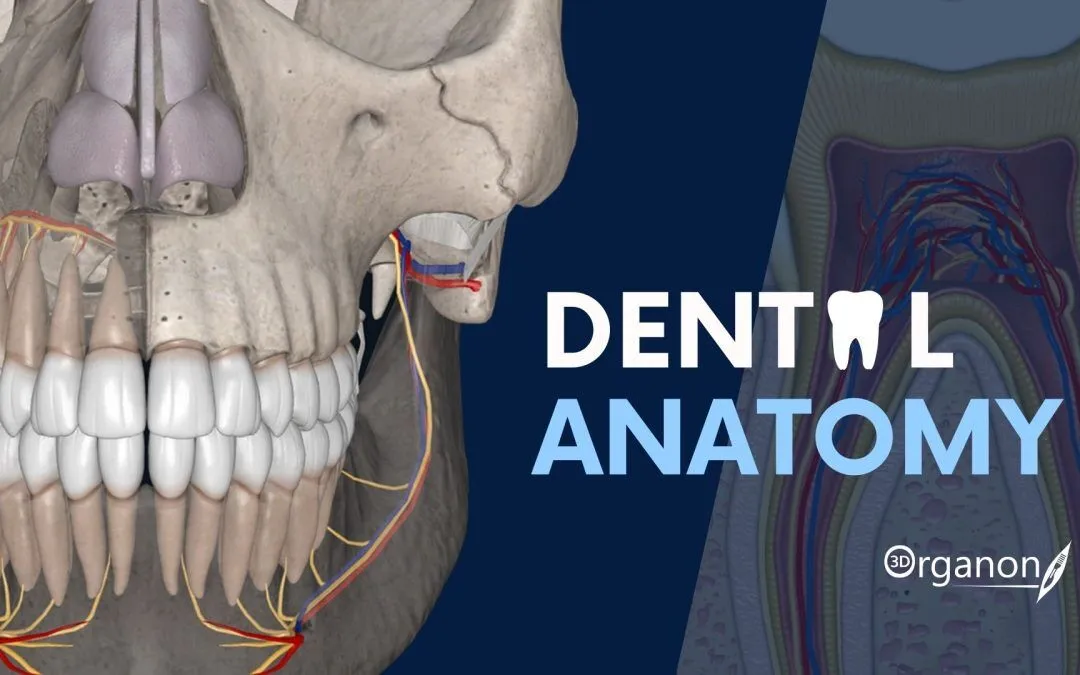
Lychee Slicer is a 3D printing slicer from Mango3D, now sold under the Lychee brand. It prepares models for resin (SLA/MSLA) printers and also for filament (FDM) printers. The developer says it supports more than 750 printer models from brands such as Anycubic, Elegoo, Creality and Phrozen. Among the uses Lychee lists are dental and orthodontic models, so small labs and clinics use it to print arches from intraoral scans on desktop resin printers. People who search for “Lychee Slicer download” can choose between a free Lite edition and paid editions.
Lychee Slicer is shareware (conditionally free). The Lite edition is free to use. It has the essential slicing tools and shows ads on export. Lychee Plus, and Plus with the Lychee Library of ready-made models, are paid. They unlock the automatic support system, full multi-plate work, 3D voxel hollowing and other advanced tools. Plus can be tried for free before you buy.
Lychee Slicer at a glance
| Item | Details |
|---|---|
| Latest version | Lychee Slicer 8.0.0 (24 September 2026). Version 7.6.6 is still offered as the previous stabilized release. |
| Licence | Shareware (conditionally free): Lite is free with ads on export; Plus and Plus & Library are paid |
| Platforms | Windows 64-bit, macOS, Linux (AppImage; 7.6.6 also as .deb) |
| Developer | Mango3D (Lychee) |
| Official website | lychee.co (formerly mango3d.io) |
| Best for | Owners of third-party resin printers who want strong support tools on any desktop OS |
What it does
- Resin and FDM modes in one application. You switch between them with a single click.
- Manual supports with parenting and bracing. Plus adds the auto-support system, support painting, grid supports and projection supports.
- Version 8.0 adds a new auto-orientation algorithm that reduces overhanging area. It is available in the free edition too.
- Editable 3D voxel hollowing and internal auto-supports inside hollowed cavities (Plus). Suction-cup and island detection flag areas likely to fail.
- A rewritten mesh repair algorithm, plus split, merge and cut tools (Plus). Assembly keys (Plus) let you print large models in parts that fit together accurately.
- Physical size mode shows the model at real scale on screen. Resin profiles shared by the community help you find exposure settings.
- Exports to many printer formats, including .prz, Goo v5 and cxdlp. It imports STL and multi-object 3MF.
How dental teams use it
Print a model for thermoforming
- Export the based model as STL from your scanner or model software, for example Medit Link.
- In Lychee, select your resin printer and a resin profile for your model resin.
- If the base is flat, place the model directly on the plate. Otherwise use auto-orientation and add supports.
- If you hollow the model, add drain holes and check the suction-cup warnings. A closed hollow model can pull away from the plate or trap resin.
- Check the layer preview, slice and export in your printer’s format.
Fill the plate with several arches
Import several scans and arrange them automatically. Use physical size mode to check that each one fits. With Plus you can spread the work over several plates in one project.
Split a large part
For a model that is too tall for the build volume, use the cut tool with assembly keys (Plus). The halves then align accurately after printing.
Lychee has no dedicated dental module. For guides, splints or other intraoral parts, use a resin validated for that use, follow its maker’s printer settings and post-processing, and validate the whole process yourself.
Install and first run
- Windows: 64-bit Windows 8 or newer is the stated minimum. Windows 11 is recommended. When you first start the program, Windows may show a blue “Windows protected your PC” message. Lychee’s own advice is to click “More info”, then “Run anyway”.
- macOS: the minimum is macOS 10.14.6 Mojave, and Ventura 13.4.1 is recommended. The stated minimum chip is Apple M1 Pro, or a 6-core Intel i7 with a Radeon Pro 5300M.
- Linux: version 8.0.0 is published as an AppImage. Version 7.6.6 is also available as a .deb package.
Hardware: 16 GB RAM is the minimum and 32 GB is recommended. You need a dedicated graphics card with WebGL2 support (minimum GeForce GTX 960 2 GB or Radeon R7 370). Lychee warns that laptops with shared graphics memory may slow down during slicing, and that printers with 12K screens or more may need a stronger PC. The program updates itself. Lychee Slicer 8 is a complete rebuild, so if something breaks in your workflow, you can go back to 7.6.6.
Limitations
- Lite shows ads on export. Many automation and support tools are only in Plus.
- It has no dental workspace or indication presets. Dental results depend on your own settings.
- It is demanding on graphics cards, especially with high-resolution printers and dense STL files.
- 8.0 is a new major version. Some users may prefer to wait for patch releases before production use.
- Mango3D makes no medical or regulatory claims for the software.
Lychee Slicer vs alternatives
CHITUBOX is the closest rival. It also has a free tier and supports many printers, and it adds a paid dental mode with automatic dental preparation, but its current version has no Linux build. Anycubic Photon Workshop is free but only for Anycubic printers. PrusaSlicer is free and open source, but it has resin profiles for only a few printers. If you print on a Formlabs or Asiga machine, their own PreForm and Composer are the supported route.
FAQ
Is Lychee Slicer free?
The Lite edition is free and has ads on export. Lychee Plus and Plus & Library are paid editions with advanced support, hollowing and multi-plate tools.
Can I try Lychee Slicer Plus for free?
Yes. Lychee offers a free trial of Plus, which you can start from the Lite edition.
Is there a Lychee Slicer download for Linux?
Yes. Lychee publishes a Linux AppImage for version 8.0.0, as well as Windows and macOS builds. The previous 7.6.6 release is also available as a .deb package.
What is new in Lychee Slicer 8?
Version 8.0 is a rebuild on Lychee’s own engine instead of Electron, and Lychee says it is faster and uses less memory. It adds auto-orientation, assembly keys, a new repair algorithm, editable hollowing and internal supports.
Lychee Slicer vs CHITUBOX: which should I use?
Both work with most desktop resin printers. Lychee also handles FDM and runs on Linux. CHITUBOX offers a dedicated paid dental mode. Test both free editions with your printer and resin.
Can Lychee Slicer print dental models?
Yes. Lychee lists dental and orthodontic models among its uses. It prepares them like any other model: orientation, optional hollowing with drain holes, supports and slicing.
Lychee Slicer vs Photon Workshop?
Photon Workshop is free but made only for Anycubic printers. Lychee supports many brands and has more support tools, but several of them are in the paid Plus edition.
Last checked against official sources: 28 September 2026 (developer website: lychee.co). Versions and licence terms change — confirm on the developer's site before deploying in a clinic.