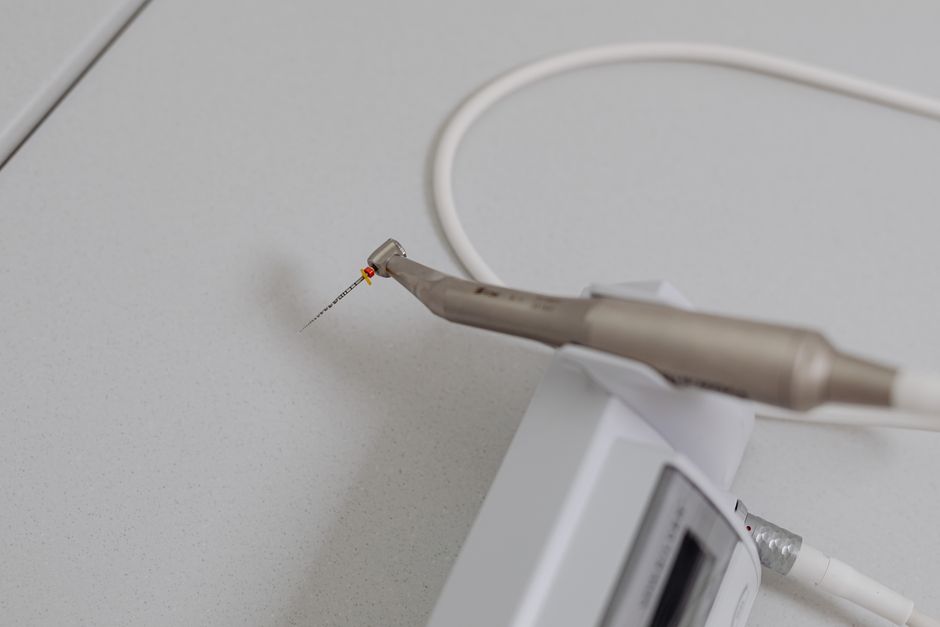
What is Dental Shaper Lite?
Dental Shaper Lite is a powerful tool designed to optimize clinic workflow and streamline dental procedures. As part of the Additional Tools category, it offers a comprehensive solution for dentists and dental clinics seeking to enhance their productivity and patient care. With its user-friendly interface and robust features, Dental Shaper Lite has become a go-to choice for many dental professionals.
Main Benefits of Dental Shaper Lite
Dental Shaper Lite provides several key benefits that set it apart from other tools in its category. Some of the most notable advantages include:
- Streamlined clinic workflow with snapshots and restore points for easier recovery and minimal data loss
- Advanced encryption methods to ensure the security and confidentiality of sensitive patient data
- Seamless integration with existing dental software and systems for a hassle-free experience
Installation Guide
System Requirements
Before installing Dental Shaper Lite, ensure that your system meets the following requirements:
| Operating System | Windows 10 or later, macOS 10.13 or later |
|---|---|
| Processor | Intel Core i3 or AMD equivalent |
| Memory | 4 GB RAM or more |
| Storage | 2 GB available disk space or more |
Download and Installation
To download and install Dental Shaper Lite, follow these steps:
- Visit the Dents-soft website and navigate to the Additional Tools section.
- Click on the Dental Shaper Lite link to access the download page.
- Choose the appropriate version for your operating system and click on the download link.
- Once the download is complete, run the installer and follow the on-screen instructions.
Technical Specifications
Key Features
Dental Shaper Lite offers a range of advanced features designed to enhance clinic workflow and patient care. Some of the key features include:
- Automatic backup routines with customizable settings and notification options
- Snapshot and restore point management for easy data recovery and minimal loss
- Advanced encryption methods for secure data storage and transmission
Compatibility and Integration
Dental Shaper Lite is designed to work seamlessly with existing dental software and systems. Some of the compatible systems include:
- Dental practice management software
- Radiology and imaging software
- Electronic health records (EHR) systems
Pros and Cons
Advantages of Dental Shaper Lite
Dental Shaper Lite offers several advantages that make it a popular choice among dental professionals. Some of the benefits include:
- Streamlined clinic workflow and reduced administrative tasks
- Advanced data security and encryption methods
- Easy data recovery and minimal loss with snapshot and restore point management
Limitations of Dental Shaper Lite
While Dental Shaper Lite is a powerful tool, it does have some limitations. Some of the drawbacks include:
- Steep learning curve for new users
- Requires regular software updates and maintenance
- May not be compatible with all dental software and systems
FAQ
How Do I Download Dental Shaper Lite?
To download Dental Shaper Lite, visit the Dents-soft website and navigate to the Additional Tools section. Click on the Dental Shaper Lite link to access the download page.
Is Dental Shaper Lite Free?
Yes, Dental Shaper Lite is available for free download. However, some advanced features may require a subscription or license.
How Does Dental Shaper Lite Compare to Alternatives?
Dental Shaper Lite offers several advantages over alternative tools, including advanced data security and encryption methods, streamlined clinic workflow, and easy data recovery. However, the best tool for your needs will depend on your specific requirements and preferences.
What Kind of Support Does Dents-soft Offer?
Dents-soft offers comprehensive support for Dental Shaper Lite, including online documentation, tutorials, and customer support. You can also contact our support team for assistance with installation, troubleshooting, and other issues.