What is FreeDental?
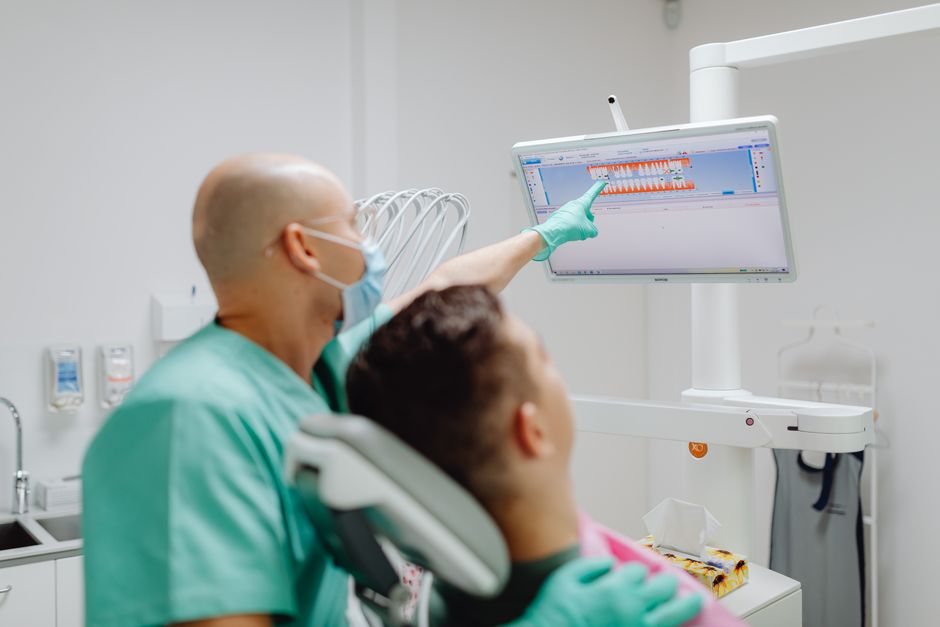
FreeDental is a comprehensive dental practice management software designed to streamline and simplify the daily operations of dental clinics. It offers a wide range of features and tools to help dentists and their staff manage patient records, appointments, billing, and more. With FreeDental, dental professionals can focus on providing high-quality care to their patients while reducing administrative burdens.
Main Features of FreeDental
Some of the key features of FreeDental include:
- Patient management: Create and manage patient records, including demographics, medical history, and treatment plans.
- Appointment scheduling: Schedule appointments, send reminders, and track patient attendance.
- Billing and insurance: Manage billing, insurance claims, and payments.
- Reporting and analytics: Generate reports and analytics to track patient flow, revenue, and other key performance indicators.
Installation Guide
System Requirements
Before installing FreeDental, ensure that your system meets the following requirements:
- Operating System: Windows 10 or later, macOS High Sierra or later
- Processor: Intel Core i3 or equivalent
- Memory: 4 GB RAM or more
- Storage: 10 GB free disk space or more
Installation Steps
Follow these steps to install FreeDental:
- Download the FreeDental installation package from the official website.
- Run the installation package and follow the prompts to complete the installation.
- Launch FreeDental and follow the on-screen instructions to set up your account and configure the software.
Troubleshooting Exports and Imports
Common Issues
Some common issues that may arise when exporting or importing data in FreeDental include:
- File format errors: Ensure that the file format is compatible with FreeDental.
- Data corruption: Check for data corruption or inconsistencies.
- Permission issues: Ensure that the user has the necessary permissions to export or import data.
Troubleshooting Steps
Follow these steps to troubleshoot export and import issues in FreeDental:
- Check the file format and ensure that it is compatible with FreeDental.
- Verify that the data is accurate and consistent.
- Check the user permissions and ensure that the user has the necessary permissions to export or import data.
Secure Records Guide with Encrypted Repositories
Encryption Methods
FreeDental uses advanced encryption methods to protect patient data, including:
- AES-256 encryption: A widely accepted and secure encryption standard.
- SSL/TLS encryption: Ensures secure data transmission over the internet.
Retention Policies
FreeDental allows you to set retention policies to ensure that patient data is stored and deleted in accordance with regulatory requirements.
Snapshot Scheduling
FreeDental allows you to schedule snapshots of your data to ensure that you can recover your data in case of a disaster or data loss.
Download FreeDental Free
Free Trial
Download a free trial of FreeDental to experience its features and benefits firsthand.
Free Version
FreeDental also offers a free version with limited features, ideal for small dental clinics or solo practitioners.
FreeDental Alternative
Comparison with Other Software
FreeDental is a comprehensive dental practice management software that offers a wide range of features and tools. However, there are other software options available, including:
- Dentrix
- Eaglesoft
- Curve Dental
Why Choose FreeDental?
FreeDental offers a unique combination of features, flexibility, and affordability that makes it an attractive option for dental clinics of all sizes.