What is Dental Morph Lite?
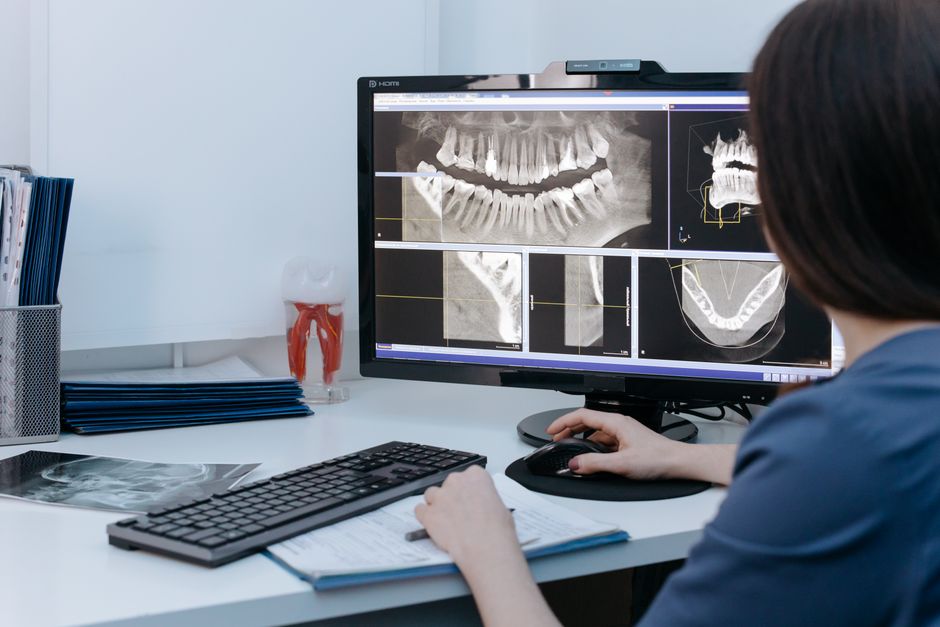
Dental Morph Lite is a comprehensive educational software designed for dental professionals and students. It provides a range of interactive tools and visual materials to enhance learning and understanding of dental morphology. With its user-friendly interface and robust features, Dental Morph Lite has become a popular choice among dental educators and practitioners.
Main Features of Dental Morph Lite
Dental Morph Lite offers a variety of features that make it an indispensable tool for dental education. Some of its key features include:
- Interactive 3D models of teeth and dental structures
- Virtual labs for practicing dental procedures
- Extensive library of dental images and videos
- Customizable lesson plans and assessments
Installation Guide
System Requirements
Before installing Dental Morph Lite, ensure that your computer meets the following system requirements:
- Operating System: Windows 10 or macOS High Sierra (or later)
- Processor: Intel Core i5 or AMD equivalent
- Memory: 8 GB RAM (16 GB recommended)
- Storage: 256 GB available space
Installation Steps
Follow these steps to install Dental Morph Lite:
- Download the installation package from the Dents-soft website.
- Run the installer and follow the prompts to select the installation location.
- Wait for the installation to complete.
- Launch Dental Morph Lite and activate the software using the provided license key.
Technical Specifications
Security and Backup
Dental Morph Lite takes data security and backup seriously. The software features:
- End-to-end encryption for protecting sensitive data
- Automatic backup to an offline repository for resilient backups
- Customizable retention policies for maintaining data integrity
System Compatibility
Dental Morph Lite is designed to be compatible with a range of systems and devices, including:
- Windows 10 and macOS High Sierra (or later)
- Tablets and laptops with touchscreens
- Virtual reality (VR) and augmented reality (AR) devices
Pros and Cons
Advantages of Dental Morph Lite
Dental Morph Lite offers several advantages over alternative dental education software, including:
- Comprehensive library of dental images and videos
- Interactive 3D models and virtual labs
- Customizable lesson plans and assessments
Limitations of Dental Morph Lite
While Dental Morph Lite is a powerful tool for dental education, it has some limitations, including:
- Steep learning curve for new users
- Requires significant system resources
- Some features may not be compatible with older systems
FAQ
Frequently Asked Questions
Here are some frequently asked questions about Dental Morph Lite:
- Q: How do I import files into Dental Morph Lite?
- A: You can import files into Dental Morph Lite using the software’s built-in import tool.
- Q: Can I download Dental Morph Lite for free?
- A: Yes, you can download a free trial version of Dental Morph Lite from the Dents-soft website.
- Q: How does Dental Morph Lite compare to alternative dental education software?
- A: Dental Morph Lite offers a range of features and tools that make it a popular choice among dental educators and practitioners.