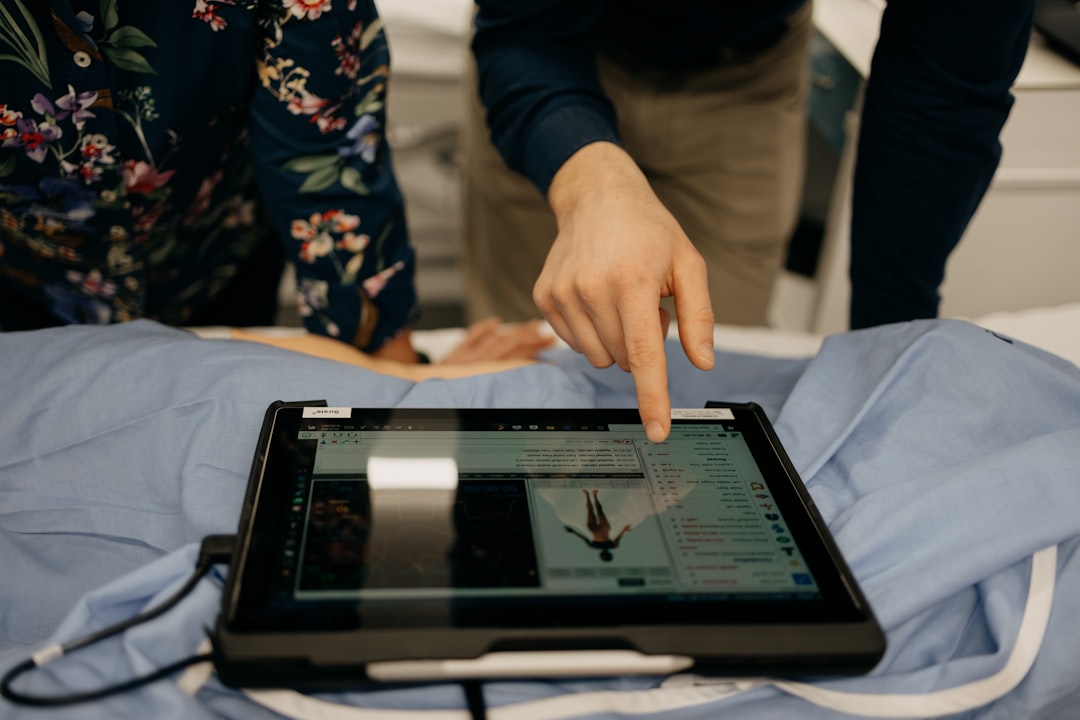
What is HorliX?
HorliX is a comprehensive digital radiography and imaging software designed to streamline clinical workflows, enhance patient care, and improve practice efficiency. It offers a robust set of features that cater to the diverse needs of medical professionals, from image acquisition and storage to analysis and sharing. With HorliX, clinics can transition from traditional film-based systems to digital radiography, ensuring faster diagnosis, better patient outcomes, and reduced costs.
Main Features and Benefits
HorliX boasts an array of features that make it an indispensable tool in digital radiography and imaging. Some of its key features include advanced image processing, secure data storage, and seamless integration with existing systems. These features not only enhance the quality of care but also contribute to a more efficient and organized clinical environment.
Installation Guide
System Requirements
Before installing HorliX, it is essential to ensure that your system meets the minimum requirements. These typically include a compatible operating system, sufficient RAM, and adequate storage space. Meeting these requirements is crucial for the smooth operation of the software.
Step-by-Step Installation Process
The installation process of HorliX is straightforward and user-friendly. It involves downloading the software from the official website, running the installer, and following the prompts to complete the installation. It is recommended to restart your system after installation to ensure all components are properly configured.
Backup Strategy with Dedupe Archives and Retention
Importance of Backup
A robust backup strategy is critical for protecting valuable patient data and ensuring business continuity in the event of data loss or system failure. HorliX supports deduplication archives and retention policies, allowing clinics to efficiently manage their data storage needs while minimizing costs.
Configuring Backup Settings
Configuring backup settings in HorliX involves specifying the backup frequency, retention period, and storage location. It is also possible to enable deduplication to reduce storage requirements and improve backup efficiency. Regular backups can be automated, ensuring that critical data is always protected.
Encryption and Security Measures
Data Encryption
HorliX employs advanced encryption methods to protect sensitive patient data both in transit and at rest. This ensures that even in the unlikely event of a data breach, patient information remains confidential and secure.
Access Control and Authentication
The software also features robust access control and authentication mechanisms, limiting access to authorized personnel only. This further enhances the security of patient data and prevents unauthorized access or tampering.
Cold Storage Tiers for Long-Term Data Retention
Benefits of Cold Storage
Cold storage tiers offer a cost-effective solution for long-term data retention, allowing clinics to store infrequently accessed data in a secure and scalable manner. HorliX supports integration with cold storage services, making it easier to manage data lifecycle and reduce storage costs.
Configuring Cold Storage
Configuring cold storage in HorliX involves setting up a connection to a compatible cold storage service and defining data retention policies. This ensures that data is automatically moved to cold storage after a specified period, freeing up primary storage space for more frequently accessed data.
Comparison with OpenEMR
Overview of OpenEMR
OpenEMR is an open-source electronic health record (EHR) system that offers a range of features for managing patient data and clinical workflows. While it shares some similarities with HorliX, there are key differences in their approach to digital radiography and imaging.
Key Differences
HorliX focuses specifically on digital radiography and imaging, offering advanced features for image acquisition, analysis, and sharing. In contrast, OpenEMR is a more general-purpose EHR system that may not offer the same level of specialization in radiology. When choosing between HorliX and OpenEMR, clinics should consider their specific needs and priorities.
FAQ
Frequently Asked Questions
Q: Is HorliX compatible with my existing systems?
A: Yes, HorliX is designed to integrate seamlessly with a wide range of systems and devices, ensuring minimal disruption to your workflow.
Q: How secure is HorliX?
A: HorliX employs advanced security measures, including data encryption and access control, to protect sensitive patient data.
Q: Can I download HorliX for free?
A: Yes, HorliX offers a free trial version that allows you to experience its features and benefits firsthand. Contact us for more information on pricing and licensing.