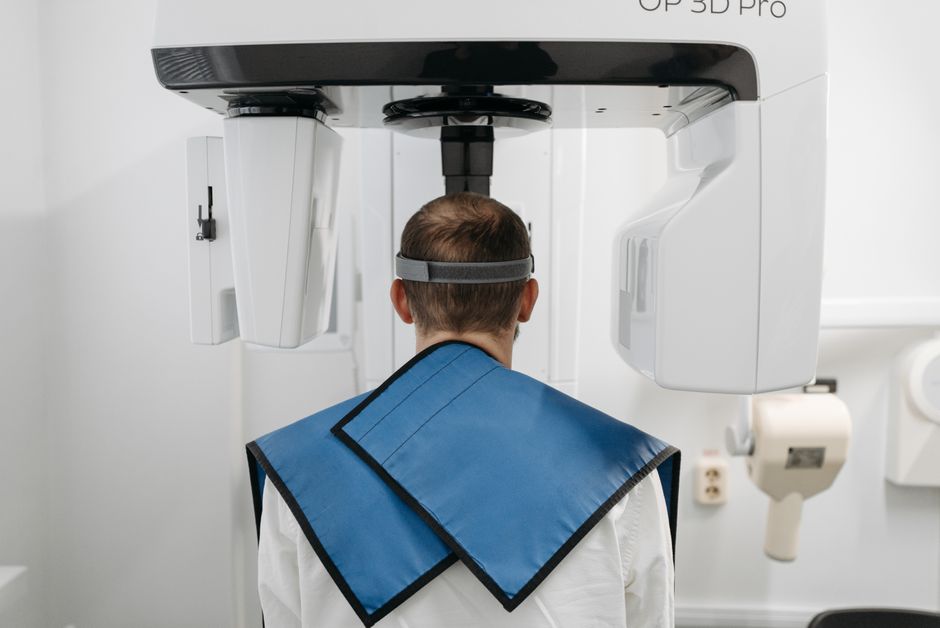
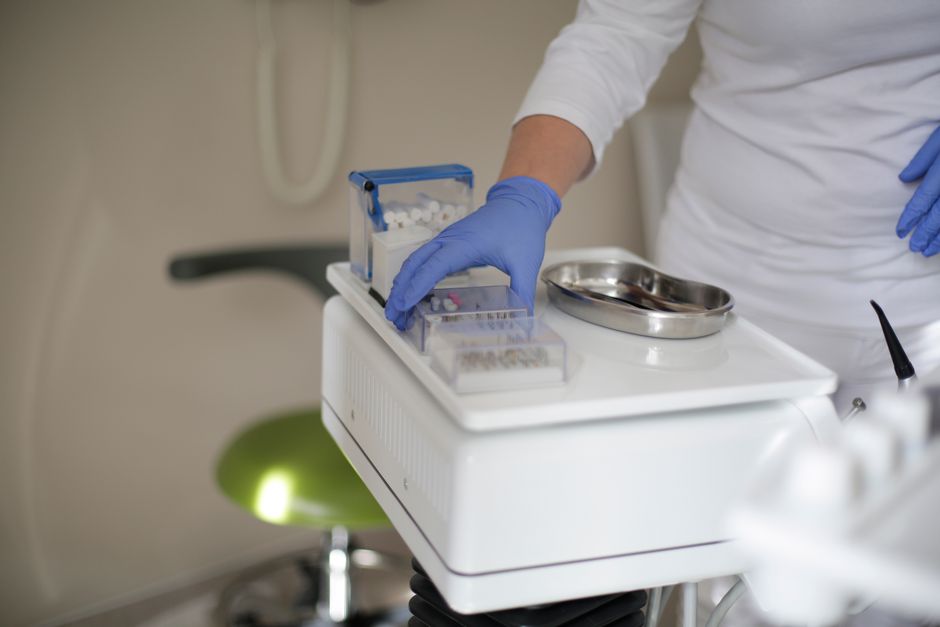
What is DentaServ?
DentaServ is a comprehensive dental practice management software designed to streamline and optimize the daily operations of dental clinics. It offers a wide range of features and tools to manage patient records, appointments, billing, and insurance claims, among others. With DentaServ, dental professionals can focus on providing quality care to their patients while reducing administrative burdens.
Main Features of DentaServ
DentaServ boasts an array of features that make it an ideal choice for dental practices. Some of its key features include:
- Electronic patient records and charts
- Appointment scheduling and reminders
- Billing and insurance claims management
- Reporting and analytics tools
- Secure data storage and backup
Installation Guide
System Requirements
Before installing DentaServ, ensure that your system meets the following requirements:
- Operating System: Windows 10 or later
- Processor: Intel Core i3 or equivalent
- RAM: 4 GB or more
- Storage: 10 GB of available disk space
Installation Steps
Follow these steps to install DentaServ:
- Download the DentaServ installation package from the official website.
- Run the installation file and follow the prompts to begin the installation process.
- Accept the terms of the license agreement and choose the installation location.
- Wait for the installation to complete.
Technical Specifications
Data Encryption
DentaServ employs advanced data encryption methods to ensure the security and integrity of patient records and other sensitive data. The software uses 256-bit AES encryption, which is considered to be one of the most secure encryption standards available.
Offline Repository Setup
To ensure resilient backups and disaster recovery, DentaServ allows users to set up an offline repository. This feature enables users to store backups of their data on external devices or cloud storage services, providing an additional layer of protection against data loss.
Snapshot Scheduling
DentaServ’s snapshot scheduling feature enables users to automate the backup process, ensuring that their data is backed up regularly. Users can schedule backups to run at specific times or intervals, providing peace of mind and minimizing the risk of data loss.
Pros and Cons
Pros
DentaServ offers several advantages, including:
- Comprehensive feature set
- Easy to use and navigate
- Advanced data encryption and security measures
- Offline repository setup for resilient backups
- Snapshot scheduling for automated backups
Cons
While DentaServ is a powerful and feature-rich software, it may have some drawbacks, including:
- Steep learning curve for some users
- Requires significant system resources
- May require additional hardware or software to run smoothly
FAQ
How do I import files into DentaServ?
To import files into DentaServ, follow these steps:
- Go to the ‘File’ menu and select ‘Import.’
- Choose the file type you want to import (e.g., patient records, images, etc.).
- Select the file you want to import and follow the prompts to complete the import process.
Is DentaServ available for free download?
Yes, DentaServ offers a free trial version that can be downloaded from the official website. The trial version provides access to most features and tools, allowing users to evaluate the software before purchasing a license.
What is the best alternative to DentaServ?
There are several alternatives to DentaServ, including Dentrix, Eaglesoft, and Open Dental. When choosing an alternative, consider factors such as features, pricing, and compatibility with your existing systems and workflows.