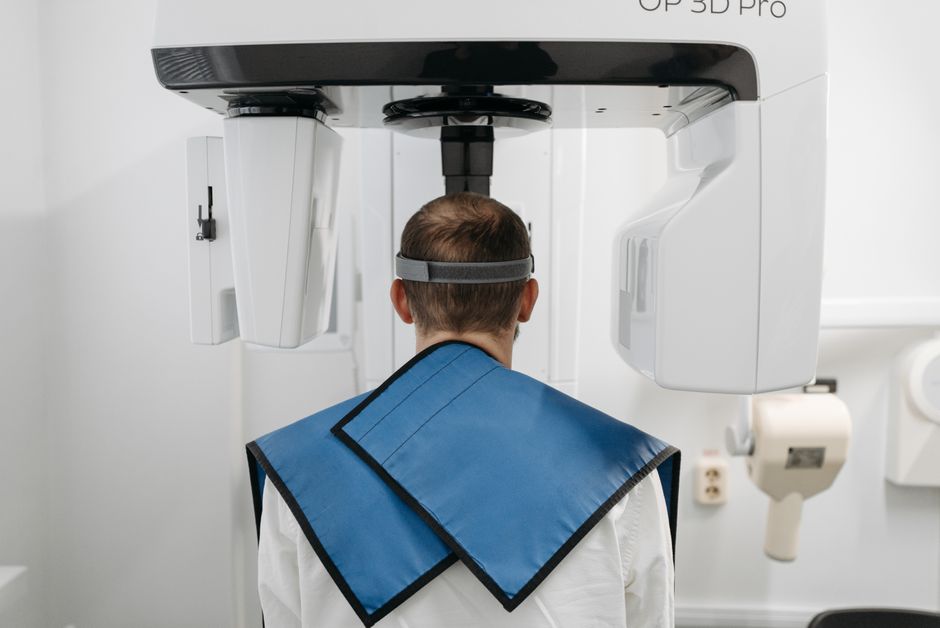
What is HealthOne Community Edition (Dental)?
HealthOne Community Edition (Dental) is a comprehensive electronic medical records (EMR) and patient management system designed specifically for dental clinics. It offers a range of features to streamline clinical workflows, enhance patient care, and improve practice management. With HealthOne Community Edition (Dental), dental professionals can efficiently manage patient records, schedule appointments, and track billing and insurance claims.
Main Features
Some of the key features of HealthOne Community Edition (Dental) include:
- Patient Management: Manage patient demographics, medical history, and treatment plans in a centralized database.
- Clinical Documentation: Create and manage digital clinical notes, diagnoses, and treatment plans.
- Scheduling and Reminders: Schedule appointments and send reminders to patients via email or SMS.
- Billing and Insurance: Manage billing and insurance claims, track payments, and generate reports.
Installation Guide
System Requirements
Before installing HealthOne Community Edition (Dental), ensure your system meets the following requirements:
- Operating System: Windows 10 or later
- Processor: Intel Core i3 or equivalent
- Memory: 4 GB RAM or more
- Storage: 10 GB available disk space
Installation Steps
Follow these steps to install HealthOne Community Edition (Dental):
- Download the installation package from the official website.
- Run the installation wizard and follow the prompts.
- Accept the license agreement and choose the installation location.
- Wait for the installation to complete.
Technical Specifications
Database Management
HealthOne Community Edition (Dental) uses a robust database management system to store and manage patient data. The database is designed to ensure data integrity, security, and scalability.
| Database Type | Description |
|---|---|
| Relational Database | Uses a relational database management system to store and manage patient data. |
| Database Size | Supports large databases with millions of patient records. |
Pros and Cons
Advantages
HealthOne Community Edition (Dental) offers several advantages, including:
- Improved Patient Care: Streamlines clinical workflows and enhances patient care.
- Increased Efficiency: Automates administrative tasks and reduces paperwork.
- Enhanced Security: Ensures data security and integrity with robust access controls.
Disadvantages
Some potential disadvantages of HealthOne Community Edition (Dental) include:
- Steep Learning Curve: Requires significant training and support for effective use.
- High Cost: May be expensive for small or solo dental practices.
- Dependence on Technology: Requires reliable internet connectivity and hardware.
FAQ
What is the best way to HealthOne Community Edition (Dental)?
The best way to implement HealthOne Community Edition (Dental) is to follow a structured approach, including:
- Needs Assessment: Assess your practice’s specific needs and requirements.
- Customization: Customize the system to meet your practice’s unique needs.
- Training and Support: Provide comprehensive training and support for staff.
How do I backup my data with HealthOne Community Edition (Dental)?
HealthOne Community Edition (Dental) offers a robust backup strategy with dedupe archives and retention. To backup your data:
- Go to the Settings menu and select Backup.
- Choose the backup frequency and retention period.
- Wait for the backup to complete.