What is View3D Dental?
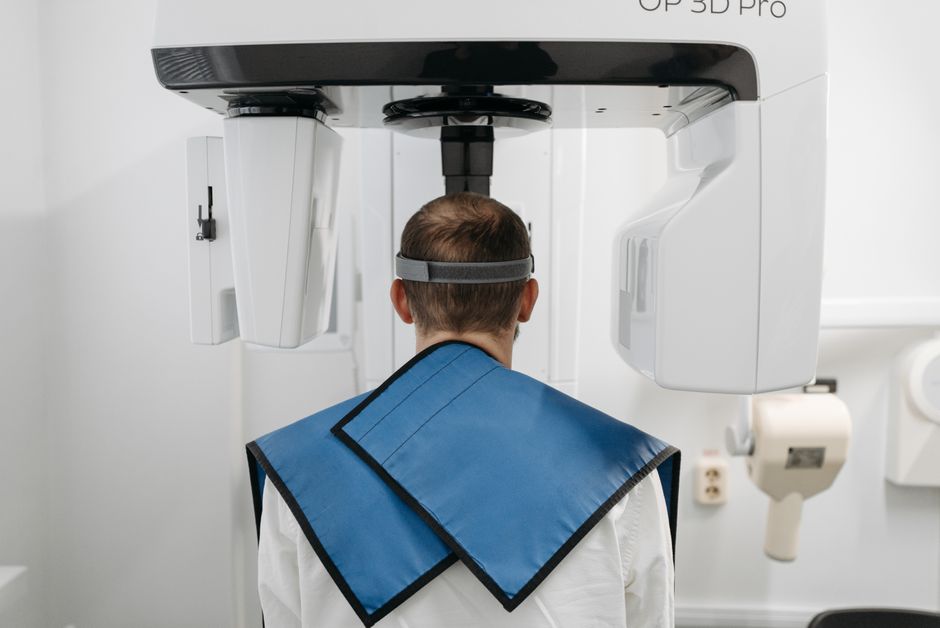
View3D Dental is a comprehensive 3D visualization, implantology, and surgery software designed for dental professionals. It offers a range of features and tools to enhance patient care, streamline workflows, and improve treatment outcomes. With View3D Dental, clinicians can create detailed 3D models, simulate surgeries, and plan implant placements with precision and accuracy.
Main Features and Benefits
View3D Dental provides a range of features and benefits, including:
- 3D Visualization: Create detailed 3D models of teeth, bones, and surrounding tissues.
- Implantology: Plan and simulate implant placements with precision and accuracy.
- Surgery: Simulate and plan surgical procedures, including bone grafting and tissue augmentation.
Installation Guide
System Requirements
Before installing View3D Dental, ensure your system meets the following requirements:
- Operating System: Windows 10 or macOS High Sierra (or later)
- Processor: Intel Core i5 or AMD equivalent
- Memory: 8 GB RAM (16 GB recommended)
- Graphics: NVIDIA GeForce GTX 1060 or AMD Radeon RX 580
Installation Steps
Follow these steps to install View3D Dental:
- Download the installation package from the Dents-soft website.
- Run the installer and follow the prompts to select the installation location and language.
- Accept the terms of the license agreement and click