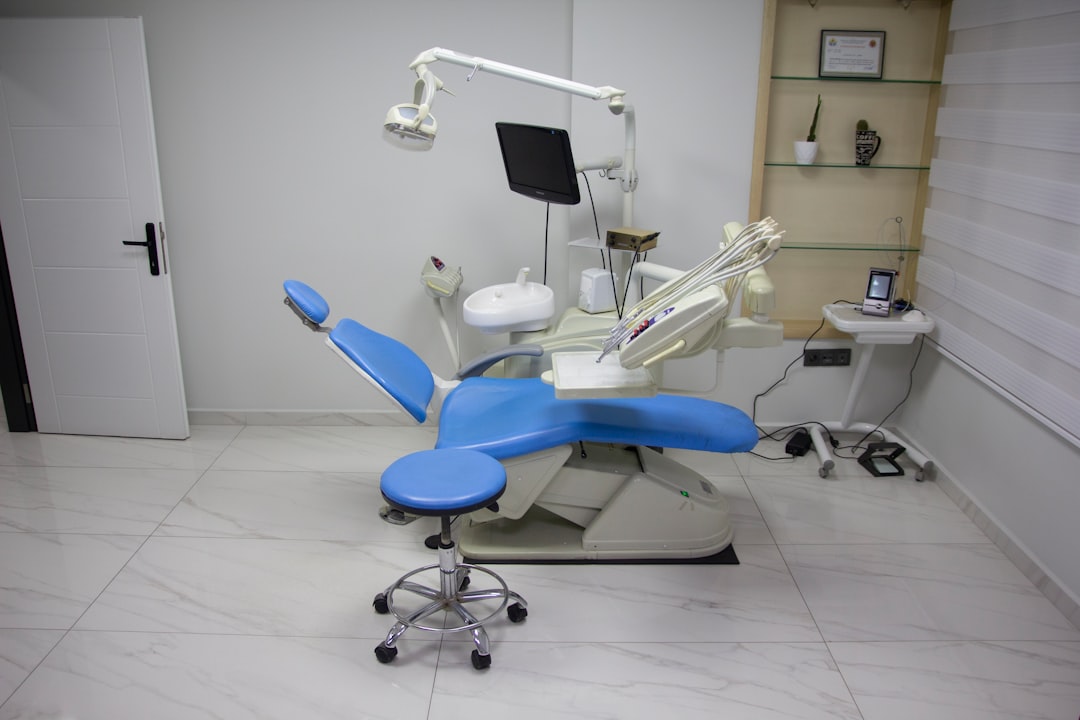
What is iDentist Free?
iDentist Free is a comprehensive dental practice management software designed to streamline clinical and administrative tasks for dentists and dental clinics. This innovative solution offers a range of features and tools to enhance patient care, simplify workflow, and improve overall practice efficiency. With iDentist Free, dental professionals can effectively manage patient records, schedule appointments, track billing and insurance claims, and analyze practice performance.
Main Benefits of iDentist Free
The software provides a secure and user-friendly platform for managing sensitive patient information, ensuring compliance with regulatory requirements. Its intuitive interface and customizable workflows enable dental staff to work more efficiently, reducing errors and improving patient satisfaction.
Key Features of iDentist Free
Patient Management
iDentist Free allows dental clinics to create and manage comprehensive patient records, including medical history, treatment plans, and billing information. The software also enables secure storage and retrieval of patient documents, images, and other files.
Appointment Scheduling
The software features an advanced scheduling system that enables dental clinics to manage appointments, reminders, and notifications. It also allows for real-time updates and synchronization with calendars and reminders.
Billing and Insurance
iDentist Free provides a robust billing and insurance management system that streamlines claims processing, payment tracking, and insurance verification. The software also supports electronic claims submission and automated payment posting.
Installation Guide
System Requirements
Before installing iDentist Free, ensure your system meets the minimum requirements, including a 64-bit operating system, 4 GB RAM, and 2 GB free disk space.
Download and Installation
Download the iDentist Free installation package from the official website and follow the on-screen instructions to complete the installation process.
Setup and Configuration
After installation, configure the software by setting up user accounts, defining practice settings, and customizing workflows to suit your clinic’s specific needs.
Troubleshooting Exports and Imports
Common Issues
When troubleshooting exports and imports in iDentist Free, common issues include data formatting errors, missing fields, and incorrect file types.
Resolution Steps
To resolve these issues, check data formatting, verify field mappings, and ensure correct file types are used. Additionally, consult the software’s documentation and support resources for further guidance.
Secure Records Guide with Encrypted Repositories
Data Encryption
iDentist Free uses advanced encryption methods to secure patient records and protect sensitive information. The software also supports encrypted repositories for storing and retrieving patient files.
Backup and Recovery
Regular backups are essential to ensure business continuity in case of data loss or system failure. iDentist Free provides automated backup and recovery features to safeguard patient records and practice data.
iDentist Free vs OpenEMR
Comparison Overview
iDentist Free and OpenEMR are two popular dental practice management software solutions. While both offer similar features, iDentist Free provides a more user-friendly interface, advanced security features, and better customer support.
Key Differences
iDentist Free offers a more comprehensive patient management system, advanced billing and insurance features, and better integration with third-party services. OpenEMR, on the other hand, provides a more customizable platform and a larger community of users.
FAQ
What is the cost of iDentist Free?
iDentist Free is a free, open-source software solution, making it an attractive option for dental clinics of all sizes.
Is iDentist Free secure?
Yes, iDentist Free uses advanced encryption methods and secure storage solutions to protect patient records and sensitive information.
Can I customize iDentist Free?
Yes, iDentist Free provides a range of customization options, including workflow configuration, user interface personalization, and integration with third-party services.