What is SM3D Viewer?
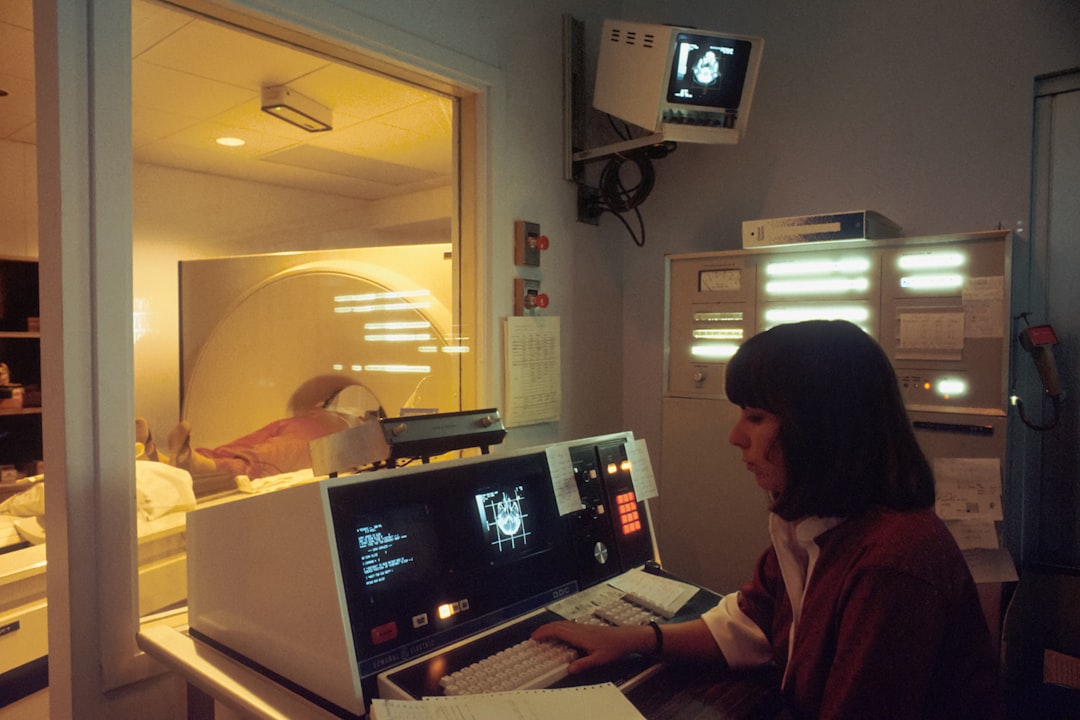
SM3D Viewer is a cutting-edge software solution designed specifically for the dental industry, focusing on digital radiography and imaging. This innovative tool enables dental professionals to efficiently manage, analyze, and store 3D dental images, facilitating more accurate diagnoses and treatment plans. With its user-friendly interface and advanced features, SM3D Viewer has become an indispensable asset for dental clinics and practices seeking to upgrade their digital radiography capabilities.
Key Features and Benefits
Main Features of SM3D Viewer
SM3D Viewer boasts an array of features that set it apart from other digital radiography software. Some of its main features include:
- Advanced Image Processing: Enhance image quality with SM3D Viewer’s sophisticated algorithms, ensuring clearer and more detailed dental images.
- 3D Visualization: Visualize dental structures in stunning 3D, allowing for more accurate diagnoses and treatment planning.
- Collaboration Tools: Seamlessly share images and findings with colleagues and patients, streamlining communication and care.
- Integration with Dental Software: Effortlessly integrate SM3D Viewer with existing dental software, minimizing disruptions to your workflow.
What is the Best Way to Use SM3D Viewer?
To maximize the benefits of SM3D Viewer, it’s essential to understand the best practices for its use. This includes:
- Regular Software Updates: Stay up-to-date with the latest features and security patches to ensure optimal performance.
- Proper Image Storage: Implement a robust backup strategy with dedupe archives and retention policies to safeguard valuable patient data.
- Staff Training: Invest in comprehensive training for your staff to unlock the full potential of SM3D Viewer and enhance patient care.
Installation Guide
System Requirements
Before installing SM3D Viewer, ensure your system meets the minimum requirements:
| Component | Requirement |
|---|---|
| Operating System | Windows 10 or later |
| Processor | Intel Core i5 or equivalent |
| Memory | 8 GB RAM or more |
| Storage | 256 GB available disk space |
Step-by-Step Installation
Follow these steps to install SM3D Viewer:
- Download the SM3D Viewer installation package from the official website.
- Run the installer and follow the prompts to select the installation location and options.
- Wait for the installation to complete, which may take several minutes.
- Launch SM3D Viewer and activate your license to begin using the software.
Technical Specifications
Compatibility and Interoperability
SM3D Viewer is designed to work seamlessly with a range of dental software and hardware, including:
- Dental Imaging Systems: Compatible with leading dental imaging systems, ensuring effortless integration.
- PACS Systems: Integrates with popular PACS systems, streamlining image management and sharing.
Security and Encryption
SM3D Viewer prioritizes the security and confidentiality of patient data, featuring:
- End-to-End Encryption: Protects data in transit and at rest with robust encryption protocols.
- Access Controls: Implement role-based access controls to restrict access to authorized personnel.
Pros and Cons
Advantages of SM3D Viewer
SM3D Viewer offers numerous benefits, including:
- Enhanced Image Quality: Advanced image processing algorithms produce clearer and more detailed images.
- Improved Collaboration: Streamlined sharing and communication tools facilitate teamwork and patient care.
Limitations and Potential Drawbacks
While SM3D Viewer is a powerful tool, it’s essential to consider the following limitations:
- Steep Learning Curve: Comprehensive training may be required to unlock the full potential of SM3D Viewer.
- Cost: SM3D Viewer may be more expensive than some alternative digital radiography software solutions.
FAQ
Frequently Asked Questions
Get answers to common questions about SM3D Viewer:
- Q: Is SM3D Viewer available for free?
A: No, SM3D Viewer is a commercial software solution, but a free trial is available for evaluation. - Q: Can I download SM3D Viewer for free?
A: Yes, you can download a free trial version of SM3D Viewer from the official website.