What is DentiSys Lite?
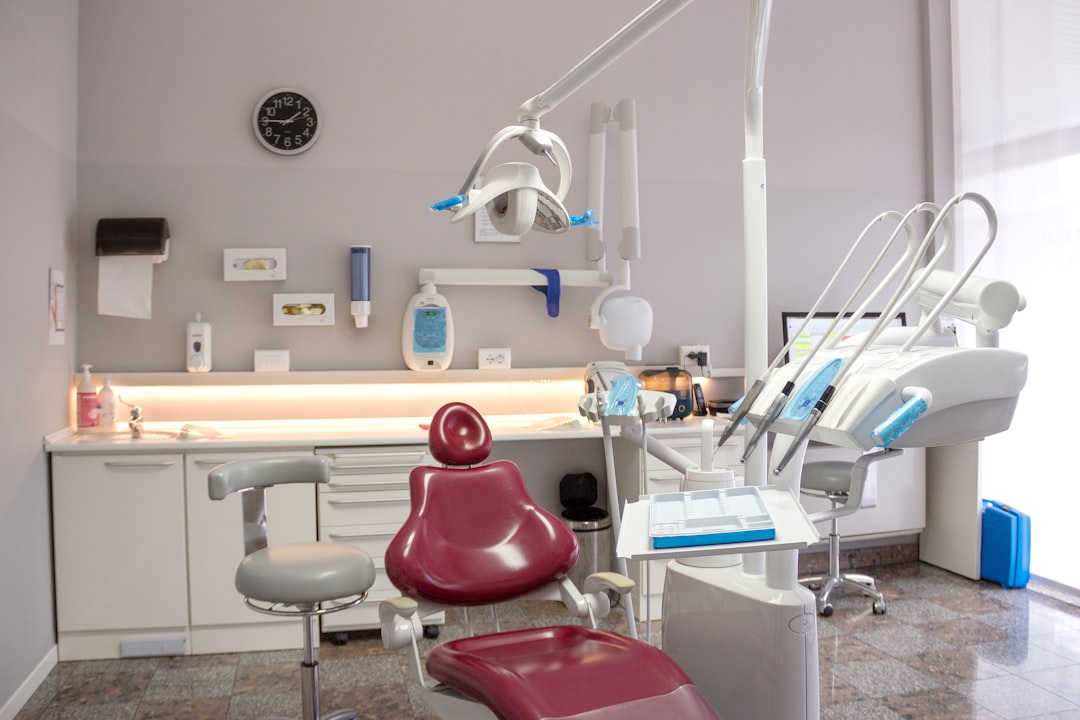
DentiSys Lite is a comprehensive electronic medical records and patient management software designed specifically for dental clinics. It offers a robust set of features to streamline clinical workflows, enhance patient care, and improve practice management. With its user-friendly interface and intuitive navigation, DentiSys Lite is an ideal solution for dental professionals seeking to transition from traditional paper-based records to a digital platform.
Main Features of DentiSys Lite
DentiSys Lite boasts an array of features that cater to the diverse needs of dental clinics. Some of its key features include:
- Electronic Medical Records (EMRs): DentiSys Lite allows clinicians to create, edit, and manage patient records electronically, reducing the need for physical storage and enhancing data accessibility.
- Patient Management: The software enables efficient patient scheduling, appointment reminders, and billing management, streamlining front-office tasks and minimizing administrative burdens.
- Backup Strategy with Dedupe Archives and Retention: DentiSys Lite incorporates a robust backup system with deduplication, ensuring that clinic data is safely stored and easily recoverable in case of unexpected disruptions or data loss.
- Immutable Backups and Encryption: The software ensures the integrity and confidentiality of clinic data through immutable backups and advanced encryption methods, safeguarding sensitive patient information.
Installation Guide
System Requirements
Before installing DentiSys Lite, ensure that your system meets the following requirements:
- Operating System: Windows 10 or later
- Processor: Intel Core i3 or equivalent
- Memory: 8 GB RAM or more
- Storage: 256 GB available disk space or more
Step-by-Step Installation Process
Follow these steps to install DentiSys Lite:
- Download the installation package from the official website or through a licensed distributor.
- Run the installation executable and follow the prompts to select the installation location and language.
- Accept the terms of the license agreement and proceed with the installation.
- Wait for the installation to complete, which may take several minutes depending on your system configuration.
- Launch DentiSys Lite and activate your license using the provided activation key.
Technical Specifications
Hardware and Software Requirements
| Component | Minimum Requirements | Recommended Requirements |
|---|---|---|
| Processor | Intel Core i3 | Intel Core i5 or equivalent |
| Memory | 8 GB RAM | 16 GB RAM or more |
| Storage | 256 GB available disk space | 512 GB available disk space or more |
| Operating System | Windows 10 or later | Windows 10 or later (64-bit) |
Pros and Cons
Advantages of DentiSys Lite
DentiSys Lite offers several benefits to dental clinics, including:
- Improved data management and accessibility
- Enhanced patient care and satisfaction
- Streamlined clinical workflows and reduced administrative burdens
- Robust backup and encryption features for data security
Limitations of DentiSys Lite
While DentiSys Lite is a comprehensive solution, it may have some limitations, including:
- Steep learning curve for new users
- Initial investment costs for software and hardware
- Dependence on internet connectivity for cloud-based features
FAQ
Frequently Asked Questions
Here are some frequently asked questions about DentiSys Lite:
- Q: Is DentiSys Lite compatible with my existing software?
- A: DentiSys Lite is designed to integrate with various dental software applications. Please contact our support team to confirm compatibility.
- Q: Can I download DentiSys Lite for free?
- A: DentiSys Lite offers a free trial period. However, a licensed version is required for continued use. Please visit our website for pricing information.
- Q: How do I backup my data in DentiSys Lite?
- A: DentiSys Lite features automated backup with deduplication and retention. Please refer to our user manual or contact support for detailed instructions.