What is FreeDental?
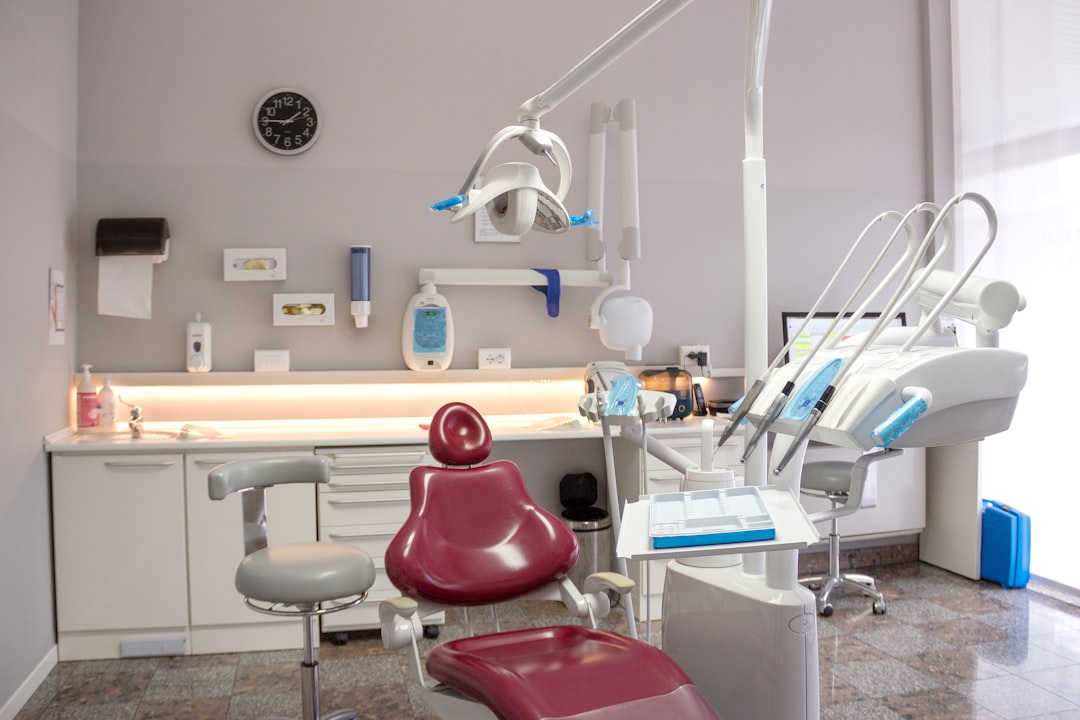
FreeDental is a comprehensive dental practice management software designed to streamline clinic operations, enhance patient care, and improve overall efficiency. As a robust solution, FreeDental offers a wide range of features that cater to the unique needs of dental practices, from appointment scheduling and billing to patient communication and data analytics.
Main Features of FreeDental
Some of the key features that make FreeDental an ideal choice for dental practices include:
- Patient management: FreeDental allows you to manage patient information, appointments, and communication in a centralized platform.
- Clinical management: The software enables you to manage clinical operations, including treatment planning, billing, and insurance claims.
- Reporting and analytics: FreeDental provides detailed reports and analytics to help you make informed decisions about your practice.
Importing Files into FreeDental
Step-by-Step Guide
Importing files into FreeDental is a straightforward process that can be completed in a few steps:
- Login to your FreeDental account and navigate to the ‘Settings’ page.
- Click on ‘Import Files’ and select the file type you want to import (e.g., CSV, Excel).
- Choose the file you want to import and click ‘Upload’.
- Map the imported data to the corresponding fields in FreeDental.
- Review and confirm the imported data.
Offline Repository Setup for Resilient Backups
Benefits of Offline Repository
Setting up an offline repository for FreeDental provides an additional layer of data protection and ensures business continuity in case of unexpected events:
- Data redundancy: An offline repository ensures that your data is duplicated and stored in a separate location, reducing the risk of data loss.
- Disaster recovery: In the event of a disaster, an offline repository enables you to quickly recover your data and resume operations.
- Security: An offline repository provides an additional layer of security, protecting your data from unauthorized access and cyber threats.
Technical Specifications of FreeDental
System Requirements
| Component | Requirement |
|---|---|
| Operating System | Windows 10 or later, macOS High Sierra or later |
| Processor | Intel Core i3 or equivalent |
| Memory | 4 GB RAM or more |
| Storage | 500 GB free disk space or more |
Pros and Cons of FreeDental
Advantages of FreeDental
Some of the advantages of using FreeDental include:
- Comprehensive features: FreeDental offers a wide range of features that cater to the unique needs of dental practices.
- User-friendly interface: The software is designed with a user-friendly interface that makes it easy to navigate and use.
- Customizable: FreeDental allows you to customize the software to meet the specific needs of your practice.
Limitations of FreeDental
Some of the limitations of using FreeDental include:
- Steep learning curve: FreeDental has a comprehensive feature set, which can take time to learn and master.
- Cost: While FreeDental offers a free version, the premium features require a subscription, which can be costly for small practices.
- Integration limitations: FreeDental may not integrate seamlessly with all third-party applications and services.
FAQ
Frequently Asked Questions
Here are some frequently asked questions about FreeDental:
- Q: Is FreeDental free?
A: Yes, FreeDental offers a free version with limited features. The premium features require a subscription. - Q: Can I customize FreeDental?
A: Yes, FreeDental allows you to customize the software to meet the specific needs of your practice. - Q: Does FreeDental offer technical support?
A: Yes, FreeDental offers technical support through various channels, including phone, email, and online chat.