What is OrthoAnalyzer Lite?
OrthoAnalyzer Lite is a cutting-edge software solution designed for 3D visualization, implantology, and surgery in the dental industry. Developed by Dents-soft, this innovative tool is specifically tailored to meet the needs of dental professionals, providing a comprehensive platform for accurate diagnoses, precise treatment planning, and efficient patient care.
Main Features of OrthoAnalyzer Lite
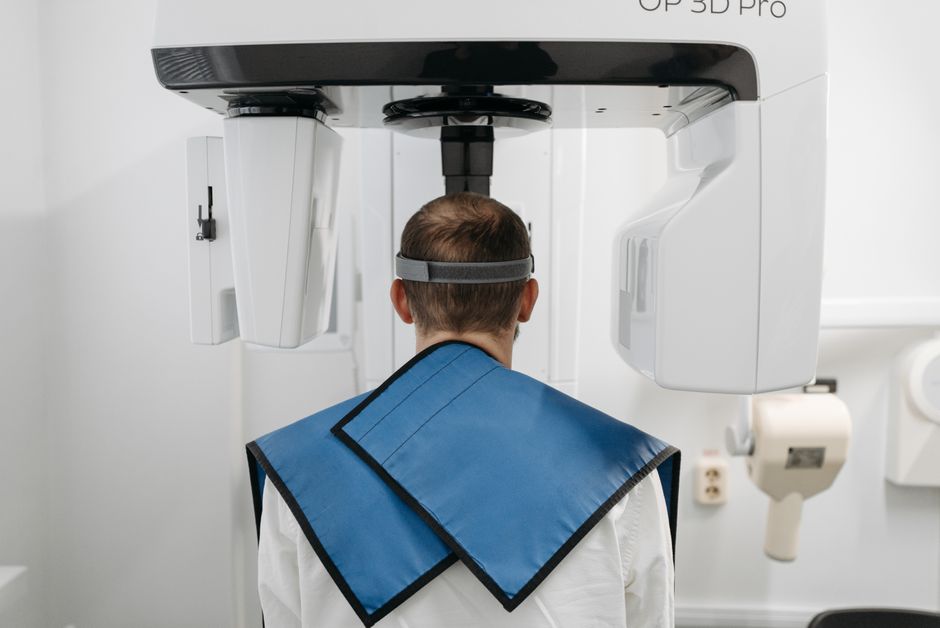
At its core, OrthoAnalyzer Lite is equipped with a range of features that make it an indispensable asset for any dental clinic or practice. These include advanced 3D visualization capabilities, allowing for the detailed examination of dental structures and precise planning of surgical interventions. Additionally, the software supports the creation of personalized treatment plans, taking into account the unique needs and conditions of each patient.
Key Benefits of Using OrthoAnalyzer Lite
Enhanced Diagnostic Accuracy
One of the primary advantages of OrthoAnalyzer Lite is its ability to significantly enhance diagnostic accuracy. By providing dental professionals with detailed, high-resolution 3D images of dental structures, the software enables more precise diagnoses and treatment plans. This, in turn, leads to better patient outcomes and increased satisfaction.
Streamlined Treatment Planning
OrthoAnalyzer Lite also streamlines the treatment planning process, allowing dental professionals to create personalized plans that cater to the unique needs of each patient. This not only improves the efficiency of the treatment process but also ensures that patients receive the most effective care possible.
Installation Guide for OrthoAnalyzer Lite
System Requirements
Before installing OrthoAnalyzer Lite, it is essential to ensure that your system meets the necessary requirements. These include a 64-bit operating system, at least 8 GB of RAM, and a dedicated graphics card. Additionally, the software requires a minimum of 10 GB of free disk space for installation.
Step-by-Step Installation Process
1. Download the OrthoAnalyzer Lite installation package from the Dents-soft website.
2. Run the installation executable and follow the on-screen instructions.
3. Accept the terms of the licensing agreement and select the installation location.
4. Wait for the installation process to complete. This may take several minutes.
Technical Specifications of OrthoAnalyzer Lite
Software Architecture
OrthoAnalyzer Lite is built on a robust software architecture that ensures stability, scalability, and performance. The software is designed to work seamlessly with a range of hardware configurations, making it an ideal solution for dental clinics and practices of all sizes.
Data Security and Backup
The software also features advanced data security and backup capabilities, including encryption, dedupe archives, and restore points. This ensures that sensitive patient data is protected and can be easily recovered in the event of a system failure or data loss.
Pros and Cons of OrthoAnalyzer Lite
Pros
- Advanced 3D visualization capabilities
- Personalized treatment planning
- Enhanced diagnostic accuracy
- Streamlined treatment process
- Robust data security and backup features
Cons
- Steep learning curve for some users
- Requires significant system resources
- May require additional hardware upgrades
FAQs About OrthoAnalyzer Lite
Is OrthoAnalyzer Lite compatible with my existing software?
Yes, OrthoAnalyzer Lite is designed to be compatible with a range of dental software solutions. However, it is recommended to check the system requirements and compatibility before installation.
Can I download OrthoAnalyzer Lite for free?
No, OrthoAnalyzer Lite is a commercial software solution that requires a license for use. However, Dents-soft offers a free trial version that allows users to experience the software’s features and capabilities before purchasing a license.
How does OrthoAnalyzer Lite compare to alternative solutions?
OrthoAnalyzer Lite offers a range of advanced features and capabilities that set it apart from alternative solutions. Its 3D visualization capabilities, personalized treatment planning, and robust data security features make it an ideal choice for dental clinics and practices seeking a comprehensive software solution.