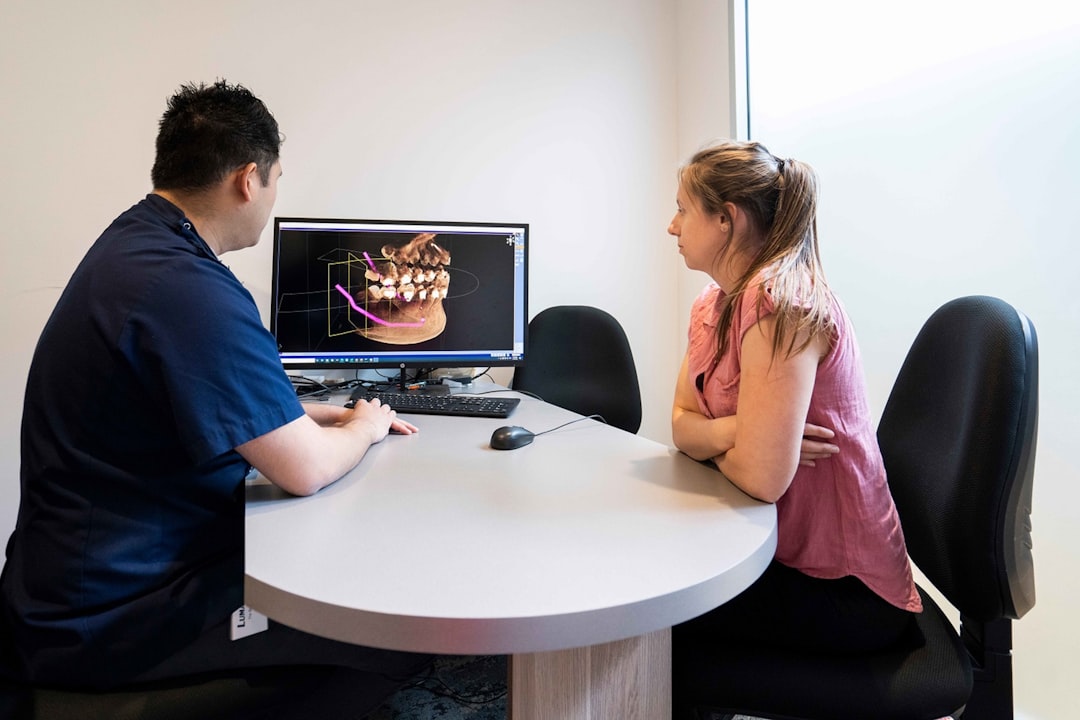
What is DentaServ?
DentaServ is a comprehensive dental practice management software designed to streamline clinic workflow, enhance patient care, and improve overall efficiency. Developed by Dents-soft, this innovative solution offers a range of features that cater to the unique needs of dental clinics, from appointment scheduling and patient records management to billing and reporting.
With DentaServ, dental clinics can ensure seamless communication between staff members, reduce administrative burdens, and focus on providing exceptional patient care. In this article, we will delve into the key features, installation guide, technical specifications, pros and cons, and frequently asked questions about DentaServ.
Key Features of DentaServ
Clinic Workflow with Snapshots and Restore Points
DentaServ’s clinic workflow feature allows users to create snapshots of their clinic’s data at specific points in time. This enables easy tracking of changes, ensures data integrity, and facilitates quick recovery in case of errors or data loss. The restore points feature also enables users to revert to a previous state of their data, providing an added layer of security and peace of mind.
Encrypted Backups and Repositories
DentaServ prioritizes data security by offering encrypted backups and repositories. This ensures that sensitive patient information and clinic data are protected from unauthorized access, theft, or loss. The software also allows users to schedule automatic backups, ensuring that data is always up-to-date and secure.
Installation Guide
System Requirements
Before installing DentaServ, ensure that your system meets the following requirements:
- Operating System: Windows 10 or later
- Processor: Intel Core i3 or equivalent
- Memory: 4 GB RAM or more
- Storage: 2 GB available space or more
Download and Installation
To download DentaServ, visit the Dents-soft website and click on the