What is DentaServ?
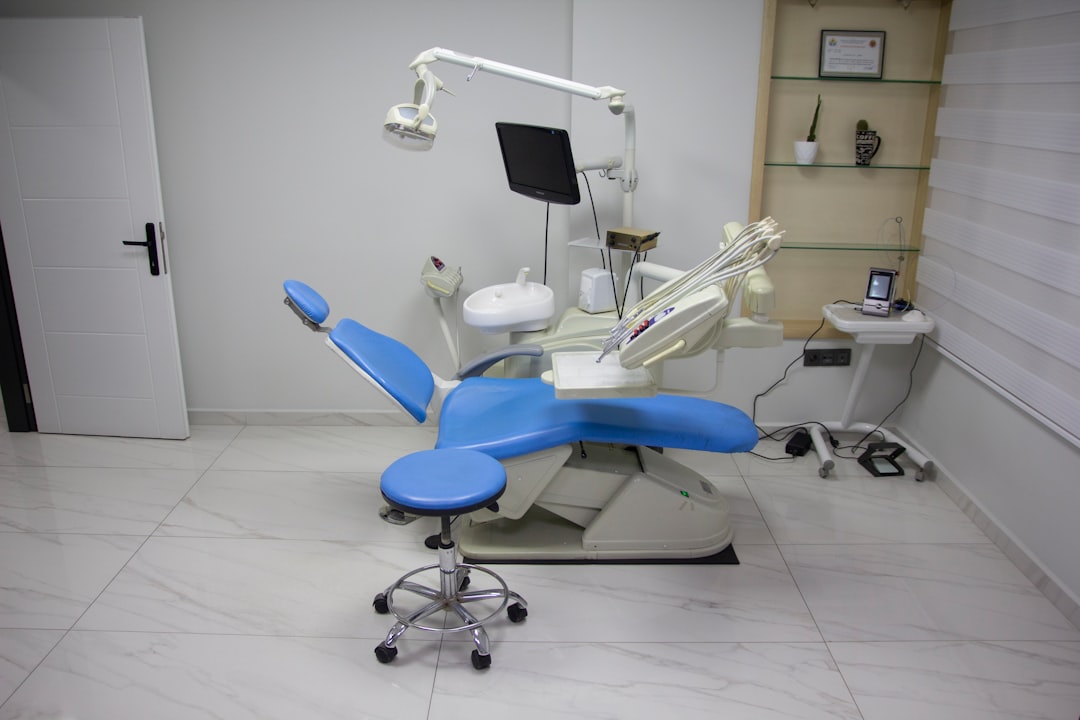
DentaServ is a comprehensive dental practice management software designed to streamline clinical and administrative tasks, ensuring efficient and effective management of dental clinics. It offers a wide range of features, including patient management, scheduling, billing, and insurance claims, as well as advanced reporting and analytics tools.
Main Benefits
By utilizing DentaServ, dental clinics can improve patient care, reduce costs, and increase productivity. The software’s user-friendly interface and customizable workflows enable staff to focus on providing high-quality care, while its robust reporting capabilities provide valuable insights into clinic performance.
Installation Guide
System Requirements
Before installing DentaServ, ensure your system meets the following requirements:
- Operating System: Windows 10 or later, macOS High Sierra or later
- Processor: Intel Core i3 or AMD equivalent
- Memory: 4 GB RAM or more
- Storage: 10 GB available disk space
Download and Installation
Download the DentaServ installation package from the official website. Follow the on-screen instructions to complete the installation process.
Securing Records with DentaServ
Data Encryption
DentaServ utilizes advanced encryption algorithms to ensure the confidentiality and integrity of patient data. All data is encrypted at rest and in transit, protecting against unauthorized access.
Backup and Recovery
Regular backups are crucial to prevent data loss. DentaServ provides automated backup features, allowing you to schedule backups at regular intervals. In the event of data loss, the software’s recovery tools enable quick and easy restoration of data.
Export and Migration Tutorial
Exporting Data
To export data from DentaServ, follow these steps:
- Log in to the DentaServ dashboard
- Navigate to the ‘Settings’ menu
- Select ‘Export Data’
- Choose the desired export format (e.g., CSV, Excel)
- Specify the data range and fields to export
- Click ‘Export’ to begin the process
Migrating to DentaServ
To migrate to DentaServ from another dental practice management software, follow these steps:
- Export data from the existing software
- Prepare the data for import into DentaServ
- Import the data into DentaServ using the ‘Import Data’ feature
- Verify the imported data for accuracy
Rollback Planning
Creating a Rollback Plan
In the event of an unexpected issue during migration, a rollback plan ensures minimal disruption to clinic operations. Identify critical data and processes, and develop a plan to restore them quickly.
Testing and Verification
Thoroughly test the migrated data and verify its accuracy to ensure a smooth transition.
DentaServ vs OpenEMR
Key Differences
| Feature | DentaServ | OpenEMR |
|---|---|---|
| Patient Management | Comprehensive patient management features | Limited patient management capabilities |
| Billing and Insurance | Advanced billing and insurance claims features | Basic billing and insurance features |
| Reporting and Analytics | Robust reporting and analytics tools | Basic reporting features |
FAQ
What is the cost of DentaServ?
DentaServ offers a free trial, as well as various pricing plans to suit different clinic needs. Contact the DentaServ sales team for more information.
Is DentaServ compatible with my existing software?
DentaServ is designed to integrate with a range of dental software and hardware. Contact the DentaServ support team to discuss compatibility with your existing systems.