What is DENTOSIM Free?
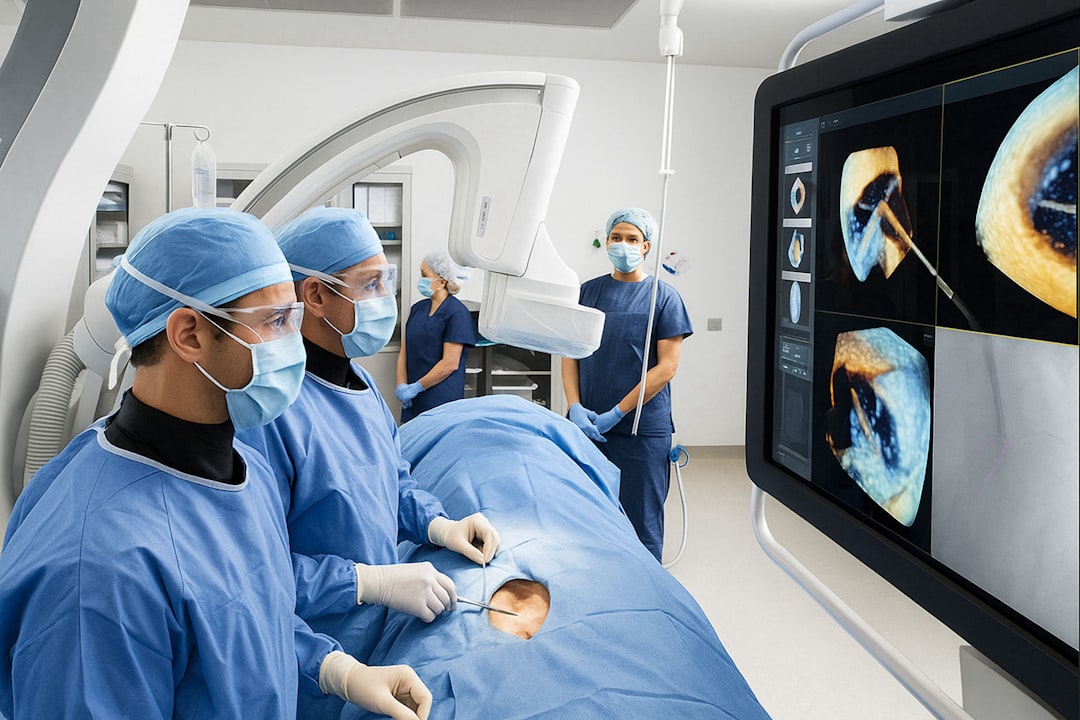
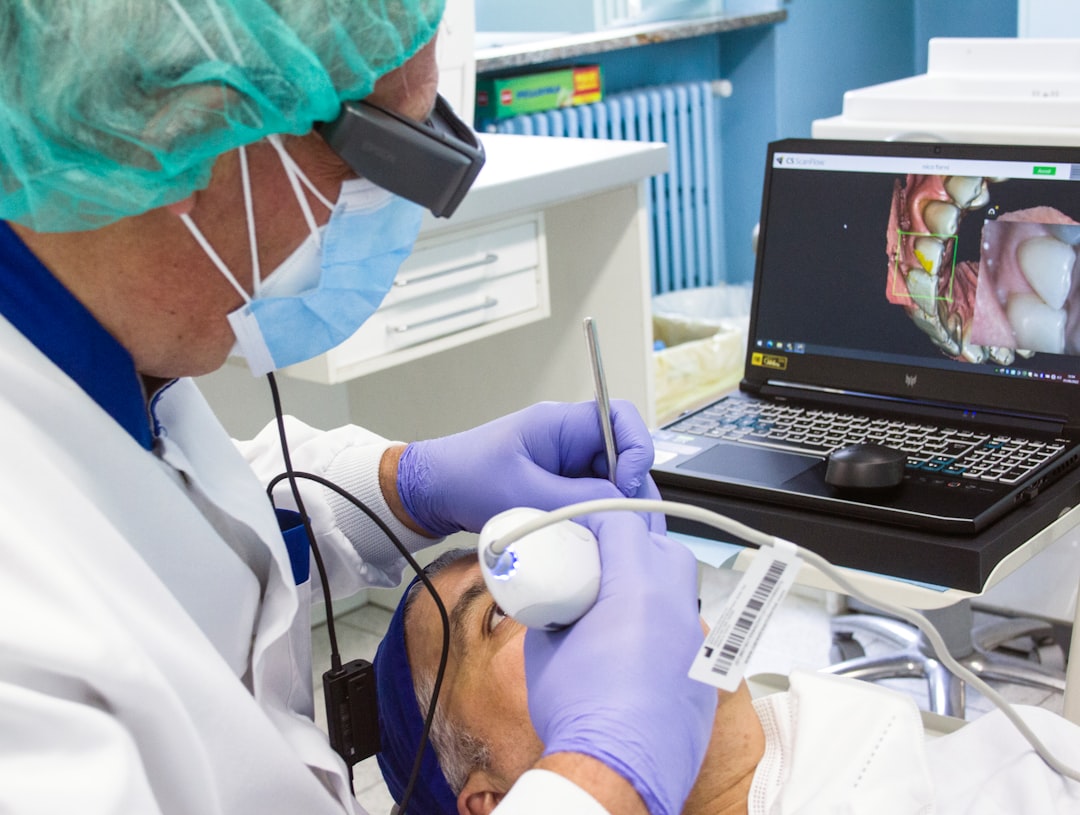
DENTOSIM Free is a cutting-edge 3D visualization software designed specifically for implantology and surgery in the dental field. Developed by Dents-soft, this innovative tool offers a comprehensive solution for dental professionals to plan, simulate, and execute complex procedures with precision and accuracy.
Main Features of DENTOSIM Free
DENTOSIM Free boasts an array of advanced features that set it apart from other dental software. Some of its key features include:
- Advanced 3D visualization and simulation capabilities
- Integrated implantology and surgery planning tools
- High-resolution image rendering and manipulation
- Collaboration and sharing features for seamless communication with colleagues and patients
Installation Guide
System Requirements
Before installing DENTOSIM Free, ensure your system meets the following requirements:
- Operating System: Windows 10 or later (64-bit)
- Processor: Intel Core i5 or AMD equivalent
- Memory: 8 GB RAM or more
- Graphics: NVIDIA GeForce GTX 1060 or AMD Radeon RX 580
Installation Steps
Follow these steps to install DENTOSIM Free on your system:
- Download the installation package from the Dents-soft website
- Run the installer and follow the prompts to select the installation location
- Accept the license agreement and proceed with the installation
- Launch DENTOSIM Free and activate the software using your license key
Data Protection and Recovery
Encryption and Repositories
DENTOSIM Free takes data protection seriously, offering advanced encryption and repository features to safeguard your clinic’s sensitive information.
The software utilizes AES-256 encryption to protect data both in transit and at rest. Additionally, DENTOSIM Free allows you to create secure repositories for storing and managing your clinic’s files.
Restore Points and Backup
In the event of data loss or corruption, DENTOSIM Free’s restore point feature allows you to quickly recover your data. The software automatically creates restore points at regular intervals, ensuring that your data is always safe.
Furthermore, DENTOSIM Free enables you to create manual backups of your data, providing an additional layer of protection against data loss.
Technical Specifications
| Specification | Description |
|---|---|
| Software Version | 1.2.3 |
| Operating System | Windows 10 or later (64-bit) |
| Processor | Intel Core i5 or AMD equivalent |
| Memory | 8 GB RAM or more |
| Graphics | NVIDIA GeForce GTX 1060 or AMD Radeon RX 580 |
Pros and Cons
Advantages of DENTOSIM Free
DENTOSIM Free offers several advantages over other dental software, including:
- Advanced 3D visualization and simulation capabilities
- Integrated implantology and surgery planning tools
- High-resolution image rendering and manipulation
- Collaboration and sharing features for seamless communication with colleagues and patients
Disadvantages of DENTOSIM Free
While DENTOSIM Free is a powerful tool, it may have some limitations, including:
- Steep learning curve for new users
- Resource-intensive, requiring high-performance hardware
- Limited compatibility with older operating systems
FAQ
How do I recover a project in DENTOSIM Free?
To recover a project in DENTOSIM Free, follow these steps:
- Launch DENTOSIM Free and select the project you want to recover
- Click on the