What is DENTOSIM Free?
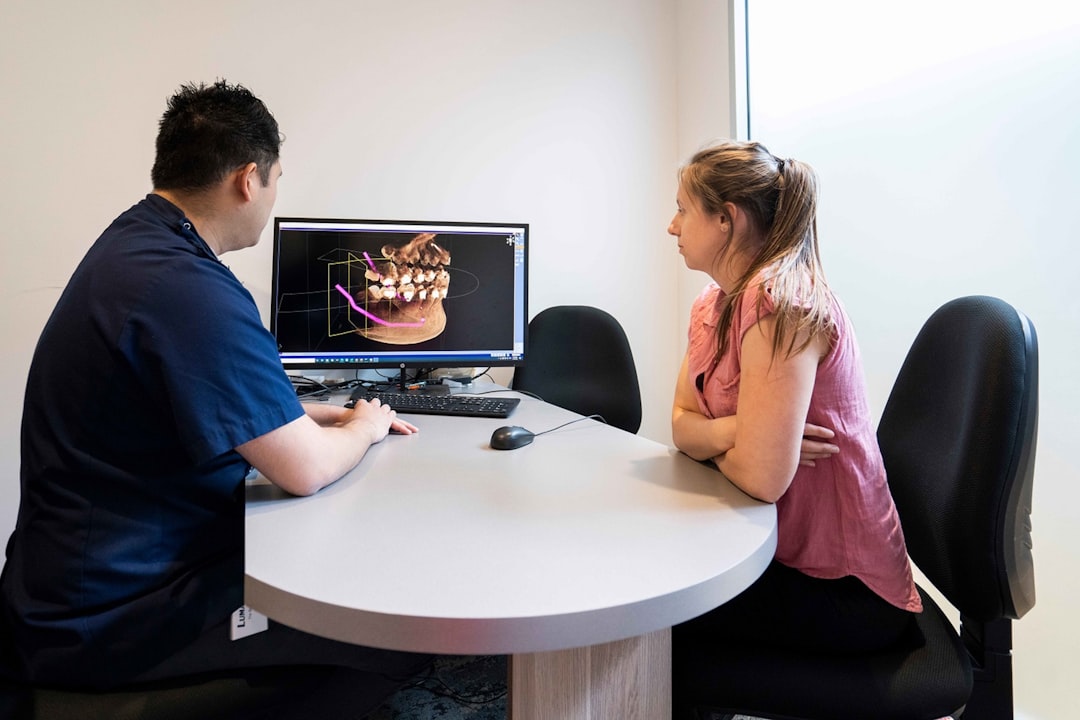
DENTOSIM Free is a cutting-edge software solution designed for dental professionals, specifically tailored for 3D visualization, implantology, and surgery. This innovative tool offers a comprehensive platform for dentists, surgeons, and researchers to simulate, plan, and execute complex dental procedures with unparalleled precision and accuracy.
Main Features of DENTOSIM Free
DENTOSIM Free boasts an array of advanced features that set it apart from other dental simulation software. Some of the key features include:
- Advanced 3D visualization capabilities for precise simulation and planning
- Comprehensive implantology tools for accurate placement and planning
- State-of-the-art surgical planning and simulation features
- Collaboration tools for seamless communication between dental professionals
- Extensive library of dental models and cases for training and reference
Installation Guide
System Requirements
Before installing DENTOSIM Free, ensure your system meets the minimum requirements:
| Component | Requirement |
|---|---|
| Operating System | Windows 10 or macOS High Sierra (or later) |
| Processor | Intel Core i5 or AMD equivalent |
| Memory | 8 GB RAM (16 GB recommended) |
| Graphics | NVIDIA GeForce GTX 1060 or AMD Radeon RX 580 (or equivalent) |
Installation Steps
Follow these steps to install DENTOSIM Free:
- Download the installation package from the official Dents-soft website
- Run the installer and follow the prompts to select the installation location and options
- Wait for the installation to complete (this may take several minutes)
- Launch DENTOSIM Free and activate your license using the provided activation code
Technical Specifications
File Formats
DENTOSIM Free supports a wide range of file formats, including:
- STL (Stereolithography)
- OBJ (Wavefront Object)
- PLY (Polygon File Format)
- FBX (Filmbox)
Backup Strategy
To ensure data safety and integrity, DENTOSIM Free offers a robust backup strategy with dedupe archives and retention. This feature allows users to:
- Automatically backup project files and data
- Store backups in a secure, deduplicated archive
- Set retention policies to manage backup storage and rotation
Pros and Cons
Advantages
DENTOSIM Free offers several advantages, including:
- Advanced 3D visualization and simulation capabilities
- Comprehensive implantology and surgical planning tools
- Collaboration features for seamless communication between dental professionals
- Extensive library of dental models and cases for training and reference
Disadvantages
Some potential drawbacks of DENTOSIM Free include:
- Steep learning curve due to advanced features and complexity
- System requirements may be demanding for older hardware
- Limited compatibility with certain file formats or software
FAQ
What is the best way to learn DENTOSIM Free?
The best way to learn DENTOSIM Free is through the official Dents-soft tutorials and documentation, as well as online courses and training programs.
Is DENTOSIM Free free to download?
Yes, DENTOSIM Free can be downloaded for free from the official Dents-soft website.
How does DENTOSIM Free compare to other free dental tools?
DENTOSIM Free offers advanced features and capabilities that set it apart from other free dental tools, making it a more comprehensive and powerful solution for dental professionals.