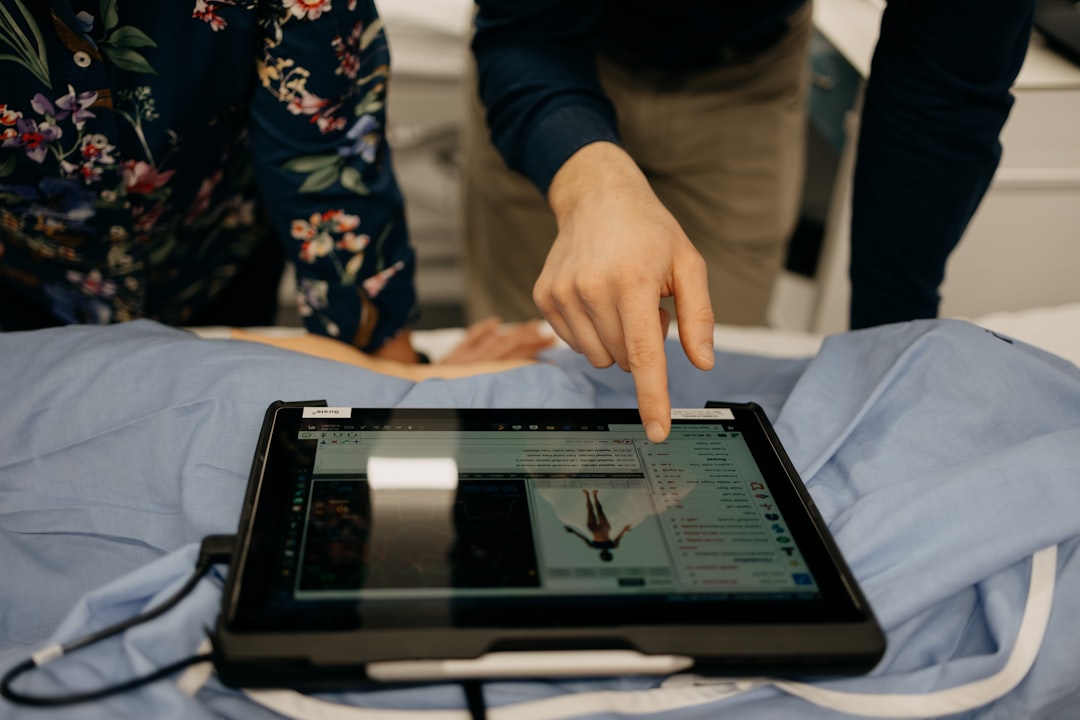
What is DicomWorks?
DicomWorks is a comprehensive software solution designed for digital radiography and imaging in medical facilities. It offers a robust platform for managing, storing, and retrieving medical images, making it an essential tool for healthcare professionals. With its user-friendly interface and advanced features, DicomWorks streamlines clinical workflows, enhancing the overall quality of patient care.
Main Features of DicomWorks
DicomWorks boasts an array of features that set it apart from other digital radiography solutions. Some of its key features include:
- Secure data handling and storage, ensuring the confidentiality and integrity of patient information
- Advanced image processing and analysis capabilities, facilitating accurate diagnoses and treatments
- Seamless integration with existing healthcare systems, minimizing disruptions to clinical operations
- Comprehensive reporting and analytics tools, providing valuable insights into patient outcomes and facility performance
Why Does DicomWorks Fail?
Despite its numerous benefits, DicomWorks may fail to meet expectations in certain situations. Common reasons for failure include:
Technical Issues
Technical glitches, such as software bugs or hardware malfunctions, can impede the performance of DicomWorks. Inadequate training or support can also contribute to user errors, leading to system failures.
Inadequate Infrastructure
Insufficient hardware or network resources can hinder the functionality of DicomWorks, resulting in slow performance, data loss, or system crashes.
Poor Data Management
Inadequate data management practices, such as failing to create regular backups or neglecting software updates, can compromise the integrity and security of patient data.
Restore Testing Plan for Critical Clinic Files
To ensure the integrity and availability of critical clinic files, it is essential to develop a comprehensive restore testing plan. This plan should include:
Regular Backups
Implementing a regular backup schedule to ensure that critical files are safely stored and easily recoverable in case of system failure or data loss.
Testing Restore Procedures
Conducting regular restore tests to verify the integrity and accessibility of backed-up files, ensuring that they can be quickly recovered in the event of a disaster.
Training and Support
Providing users with adequate training and support to ensure they understand the restore process and can effectively recover critical files when needed.
Download DicomWorks Free
For healthcare facilities interested in exploring the capabilities of DicomWorks, a free trial version is available for download. This trial version offers a comprehensive introduction to the software’s features and functionality, allowing users to assess its suitability for their specific needs.
DicomWorks vs Alternatives
When selecting a digital radiography solution, healthcare facilities must weigh the pros and cons of various options. DicomWorks offers several advantages over alternative solutions, including:
Advanced Security Features
DicomWorks boasts robust security features, ensuring the confidentiality and integrity of patient data.
User-Friendly Interface
The software’s intuitive interface streamlines clinical workflows, reducing the risk of user errors and enhancing overall productivity.
Scalability and Flexibility
DicomWorks can be easily integrated with existing healthcare systems, accommodating the unique needs of individual facilities.
Frequently Asked Questions
What is the cost of DicomWorks?
The cost of DicomWorks varies depending on the specific needs of the healthcare facility. Contact Dents-soft for a customized quote.
Is DicomWorks compatible with my existing systems?
DicomWorks is designed to integrate seamlessly with existing healthcare systems. Contact Dents-soft to discuss compatibility with your specific systems.
What kind of support does Dents-soft offer?
Dents-soft provides comprehensive training and support to ensure users get the most out of DicomWorks. Contact us for more information.