What is Mandibula 3D Free?
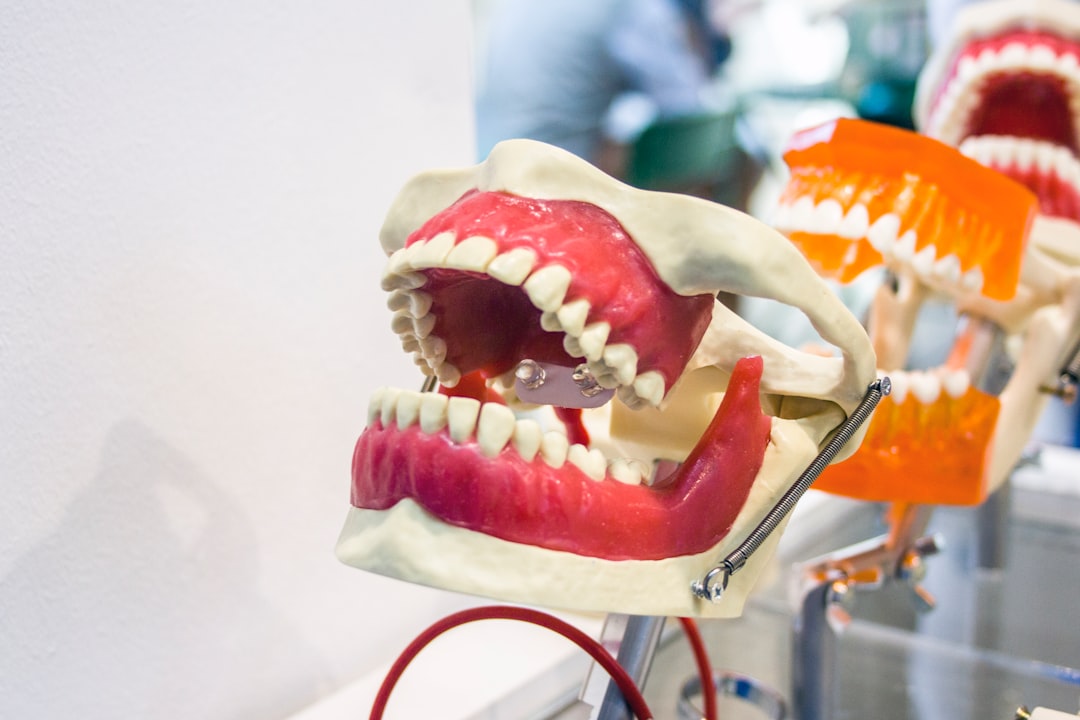
Mandibula 3D Free is a cutting-edge educational software designed for dental professionals and students. It provides an immersive 3D experience, allowing users to explore and interact with detailed models of the human mandible. With its advanced features and user-friendly interface, Mandibula 3D Free has become a valuable tool for teaching and learning dental anatomy.
Main Features
Mandibula 3D Free offers a range of features that make it an essential resource for dental education. Some of the key features include:
- Interactive 3D models: Users can rotate, zoom, and explore the mandible in 3D, allowing for a deeper understanding of its structure and anatomy.
- Detailed anatomy: The software includes detailed models of the mandible, including teeth, nerves, and blood vessels.
- Customizable views: Users can adjust the view to focus on specific areas of the mandible, making it easier to study and teach.
Installation Guide
System Requirements
Before installing Mandibula 3D Free, ensure your computer meets the minimum system requirements:
- Operating System: Windows 10 or macOS High Sierra (or later)
- Processor: Intel Core i5 or AMD equivalent
- Memory: 8 GB RAM (16 GB recommended)
- Graphics: NVIDIA GeForce GTX 1060 or AMD Radeon RX 580 (or equivalent)
Download and Installation
To download and install Mandibula 3D Free, follow these steps:
- Visit the Dents-soft website and click on the Download button.
- Select the correct version (Windows or macOS) and click on the Download button.
- Once the download is complete, run the installer and follow the prompts to install the software.
- Launch Mandibula 3D Free and activate the software using the provided license key.
Troubleshooting Exports and Imports
Common Issues
If you encounter issues with exporting or importing files in Mandibula 3D Free, try the following troubleshooting steps:
- Check file format: Ensure the file is in the correct format (e.g., STL, OBJ, or 3DS).
- Verify file size: Check that the file size is within the recommended limits.
- Reset software settings: Try resetting the software settings to their default values.
Secure Records Guide with Encrypted Repositories
Why Encryption Matters
Encrypting your records and repositories is crucial for protecting sensitive patient data. Mandibula 3D Free provides secure encryption options to ensure your files remain confidential.
Setting Up Encrypted Repositories
To set up encrypted repositories in Mandibula 3D Free, follow these steps:
- Go to the Settings menu and select Security.
- Click on the Encrypt Repositories button.
- Choose a password and confirm it.
- Select the repositories you want to encrypt.
Pros and Cons
Advantages
Mandibula 3D Free offers several advantages, including:
- Immersive learning experience: The software provides an engaging and interactive way to learn dental anatomy.
- Customizable views: Users can adjust the view to focus on specific areas of the mandible.
- Secure encryption: Mandibula 3D Free provides secure encryption options to protect sensitive patient data.
Disadvantages
Some potential drawbacks of Mandibula 3D Free include:
- Steep learning curve: The software may require time and practice to master.
- System requirements: Mandibula 3D Free requires a relatively powerful computer to run smoothly.
FAQ
Frequently Asked Questions
Here are some frequently asked questions about Mandibula 3D Free:
- Q: Is Mandibula 3D Free free to download?
A: Yes, Mandibula 3D Free is available for free download from the Dents-soft website. - Q: Can I use Mandibula 3D Free on a Mac?
A: Yes, Mandibula 3D Free is compatible with macOS High Sierra (or later).