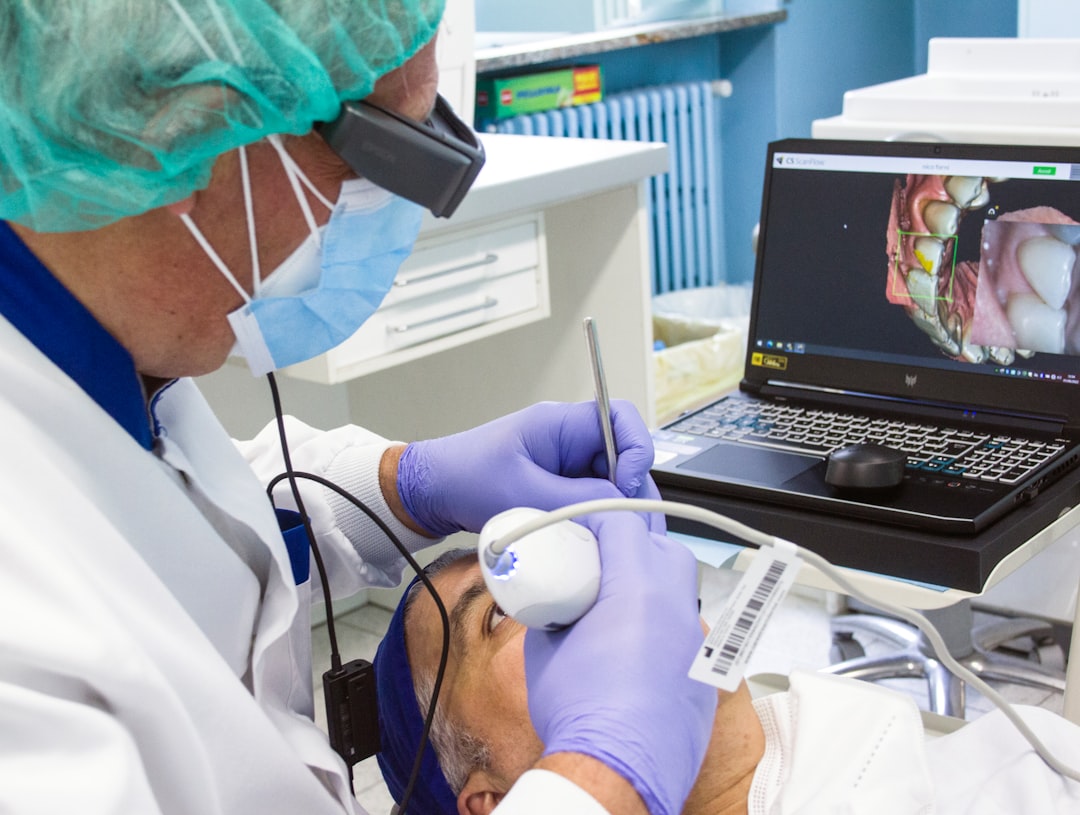
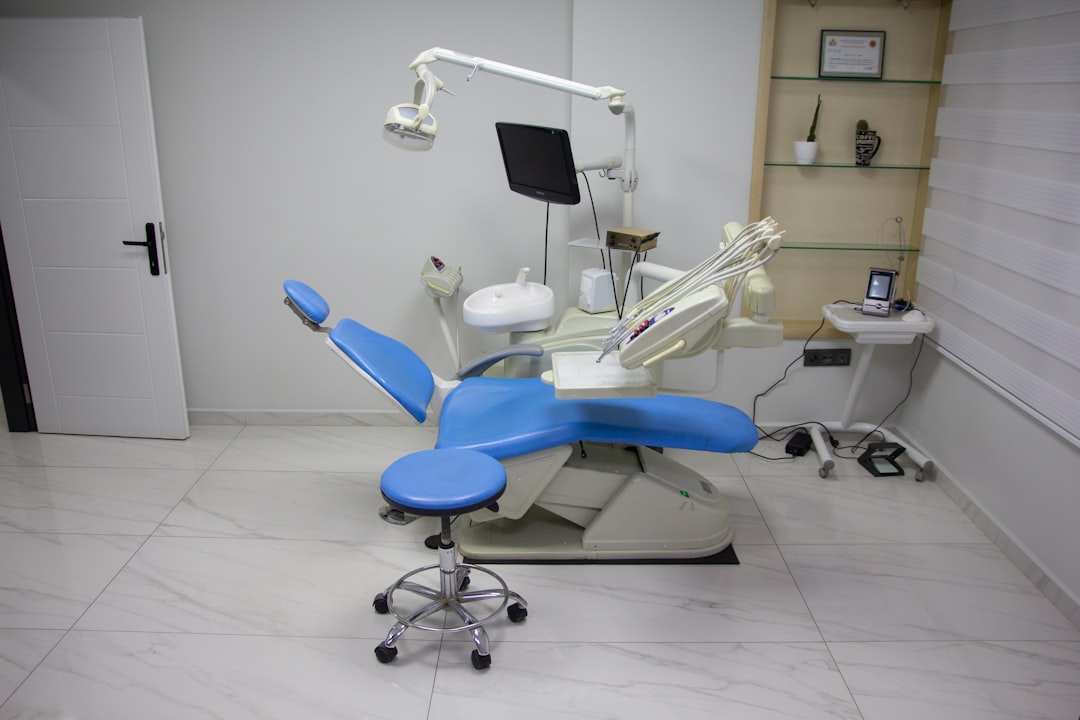
What is MediTracker Dental?
MediTracker Dental is a comprehensive Electronic Medical Records (EMR) and Patient Management system designed specifically for dental clinics. It offers a range of features to streamline clinical workflows, improve patient care, and enhance practice management. With MediTracker Dental, dental professionals can efficiently manage patient records, track appointments, and analyze practice performance.
Main Features of MediTracker Dental
Some of the key features of MediTracker Dental include:
- Electronic Medical Records (EMR) management
- Patient scheduling and appointment management
- Automated reminders and notifications
- Secure data storage and encryption
- Offline repository setup for resilient backups
- Customizable reporting and analytics
Installation Guide for MediTracker Dental
System Requirements
Before installing MediTracker Dental, ensure that your system meets the following requirements:
- Operating System: Windows 10 or later
- Processor: Intel Core i5 or equivalent
- Memory: 8 GB RAM or more
- Storage: 256 GB or more
Step-by-Step Installation Process
Follow these steps to install MediTracker Dental:
- Download the installation package from the official website
- Run the installer and follow the prompts
- Accept the license agreement and choose the installation location
- Wait for the installation to complete
- Launch MediTracker Dental and activate your license
Technical Specifications of MediTracker Dental
Data Encryption and Security
MediTracker Dental uses advanced encryption techniques to ensure the security and integrity of patient data. The system employs:
- AES-256 encryption for data at rest
- SSL/TLS encryption for data in transit
- Regular backups and disaster recovery
Data Retention and Compliance
MediTracker Dental is designed to meet the requirements of various regulatory bodies, including HIPAA and GDPR. The system provides:
- Immutable backups and snapshots
- Automated data retention and archiving
- Customizable data retention policies
Pros and Cons of MediTracker Dental
Advantages
Some of the benefits of using MediTracker Dental include:
- Improved clinical workflows and productivity
- Enhanced patient care and engagement
- Streamlined practice management and reporting
- Robust data security and compliance
Disadvantages
Some potential drawbacks of using MediTracker Dental include:
- Steep learning curve for new users
- Higher cost compared to some alternatives
- Dependence on internet connectivity for cloud-based features
Frequently Asked Questions (FAQ)
How to Import Files into MediTracker Dental
To import files into MediTracker Dental, follow these steps:
- Go to the ‘File’ menu and select ‘Import’
- Choose the file type and select the files to import
- Follow the prompts to complete the import process
How to Set Up an Offline Repository for Resilient Backups
To set up an offline repository for resilient backups, follow these steps:
- Go to the ‘Settings’ menu and select ‘Backup’
- Choose the offline repository option and follow the prompts
- Configure the backup schedule and retention policies
Is There a Free Version of MediTracker Dental Available for Download?
Yes, a free trial version of MediTracker Dental is available for download from the official website. The trial version provides limited features and functionality.
What Are Some Alternatives to MediTracker Dental?
Some alternatives to MediTracker Dental include:
- Dentrix
- EagleSoft
- Curve Dental