What is OpenEMR?
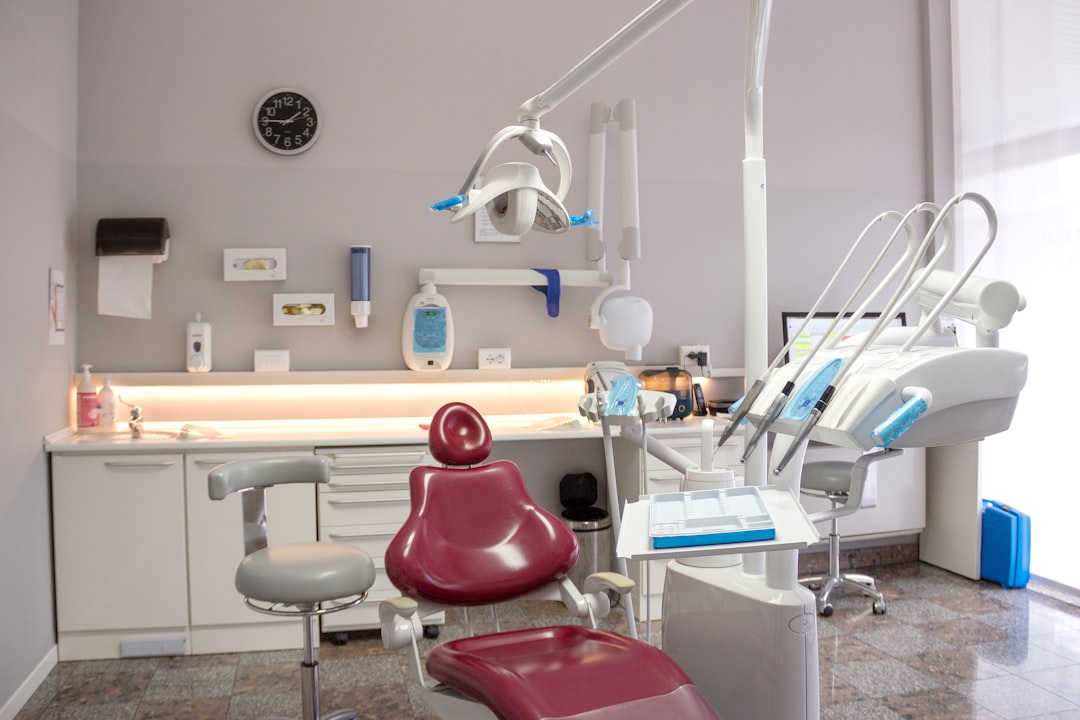
OpenEMR is an open-source electronic health record (EHR) and medical practice management solution. It is designed to be highly customizable and can be used by healthcare providers of all sizes, from small clinics to large hospitals. OpenEMR is particularly popular among dental practices due to its flexibility and affordability.
Main Features of OpenEMR
Some of the key features of OpenEMR include patient scheduling, billing and insurance claims, electronic prescribing, and lab integration. It also has a built-in reporting system that allows users to track key performance indicators (KPIs) and make data-driven decisions.
Installation Guide
System Requirements
Before installing OpenEMR, it is essential to ensure that your system meets the minimum requirements. These include a web server (Apache or Nginx), a database management system (MySQL or MariaDB), and PHP 7.2 or higher.
Step-by-Step Installation Process
1. Download the latest version of OpenEMR from the official website.
2. Extract the downloaded zip file to a directory on your web server.
3. Create a new database and user for OpenEMR, and grant the necessary permissions.
4. Navigate to the OpenEMR installation directory in your web browser and follow the on-screen instructions to complete the installation process.
Technical Specifications
Security Features
OpenEMR has a range of security features to protect sensitive patient data, including encryption, secure password hashing, and role-based access control.
Backup and Recovery
Regular backups are crucial to prevent data loss in the event of a disaster. OpenEMR allows users to set up automatic backups, which can be stored locally or in the cloud.
Pros and Cons of Using OpenEMR
Advantages
Some of the benefits of using OpenEMR include its customizability, affordability, and flexibility. It is also highly scalable, making it suitable for practices of all sizes.
Disadvantages
One of the main drawbacks of OpenEMR is its steep learning curve, which can make it challenging for new users to get started. Additionally, it requires regular updates and maintenance to ensure optimal performance.
FAQ
How to Import Files into OpenEMR
To import files into OpenEMR, navigate to the ‘Files’ section and click on ‘Import’. Select the file type and choose the file you want to import. Follow the on-screen instructions to complete the import process.
How to Set Up an Offline Repository for Resilient Backups
To set up an offline repository for resilient backups, navigate to the ‘Backup’ section and click on ‘Configure’. Select the ‘Offline Repository’ option and follow the on-screen instructions to complete the setup process.
How to Download OpenEMR for Free
OpenEMR is free to download from the official website. Simply navigate to the ‘Downloads’ section and click on the link to download the latest version.
What is the Best Alternative to OpenEMR?
Some popular alternatives to OpenEMR include Dentrix, Eaglesoft, and Curve Dental. The best alternative for your practice will depend on your specific needs and requirements.