What is OrthoStudio Free?
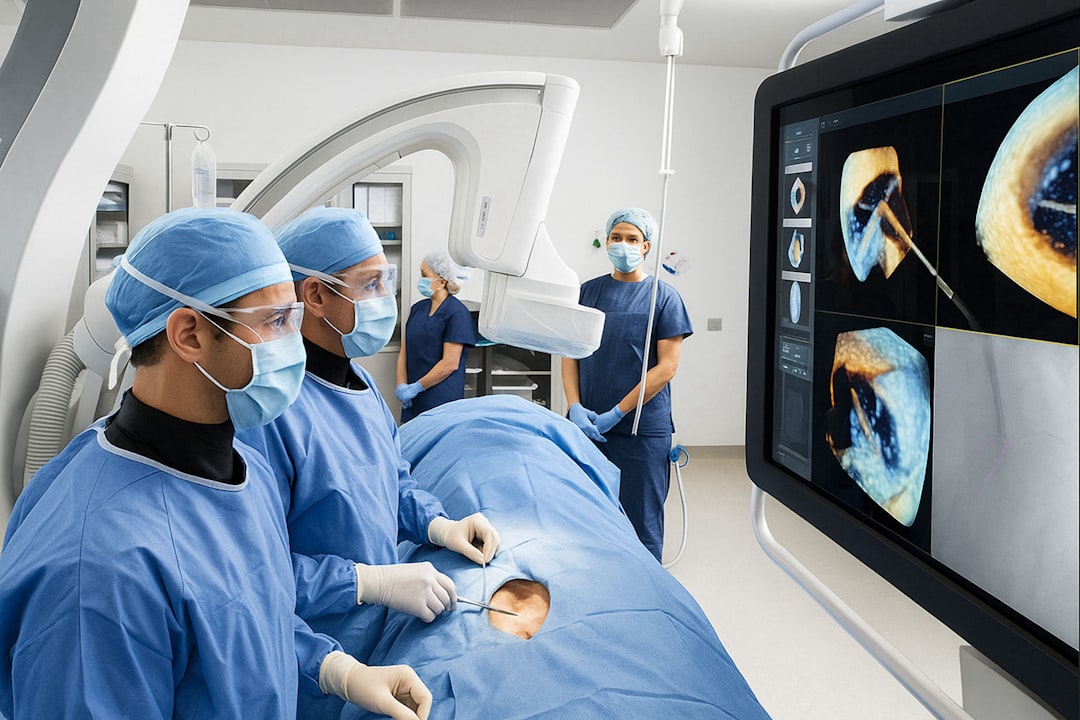
OrthoStudio Free is a comprehensive software solution designed for 3D visualization, implantology, and surgery in dental clinics. It offers a range of features to enhance patient care, streamline clinical workflows, and improve treatment outcomes. With OrthoStudio Free, dental professionals can create detailed 3D models, simulate implant placement, and plan surgeries with precision.
Main Features
OrthoStudio Free boasts an array of features that make it an indispensable tool for dental clinics. Some of its key features include:
- 3D visualization and modeling
- Implantology planning and simulation
- Surgical planning and guidance
- Data export and import capabilities
Installation Guide
System Requirements
Before installing OrthoStudio Free, ensure your system meets the minimum requirements:
- Operating System: Windows 10 or later
- Processor: Intel Core i5 or equivalent
- Memory: 8 GB RAM or more
- Graphics: NVIDIA GeForce or equivalent
Download and Installation
To download OrthoStudio Free, visit the Dents-soft website and follow these steps:
- Click on the ‘Download’ button
- Select the desired version (32-bit or 64-bit)
- Run the installer and follow the prompts
Technical Specifications
Data Export and Import
OrthoStudio Free allows users to export data in various formats, including:
- STL (Stereolithography)
- OBJ (Wavefront Object File)
- DXF (Drawing Exchange Format)
Users can also import data from other software applications, ensuring seamless integration and compatibility.
Troubleshooting Sync and Import Issues
In the event of sync or import issues, try the following troubleshooting steps:
- Check data format compatibility
- Verify file integrity
- Restart the application
Pros and Cons
Advantages
OrthoStudio Free offers several benefits, including:
- Enhanced 3D visualization and modeling capabilities
- Improved implantology planning and simulation
- Streamlined surgical planning and guidance
Limitations
While OrthoStudio Free is a powerful tool, it has some limitations:
- Steep learning curve for beginners
- Limited compatibility with older systems
FAQ
How to Export Data from OrthoStudio Free?
To export data from OrthoStudio Free, follow these steps:
- Select the desired data format
- Choose the export location
- Click ‘Export’
Is OrthoStudio Free Compatible with Other Dental Software?
Yes, OrthoStudio Free is compatible with other dental software applications, including those from Dents-soft.
How Does OrthoStudio Free Compare to Other Free Dental Tools?
OrthoStudio Free offers more advanced features and capabilities compared to other free dental tools, making it a more comprehensive solution for dental clinics.