What is SM3D Viewer?
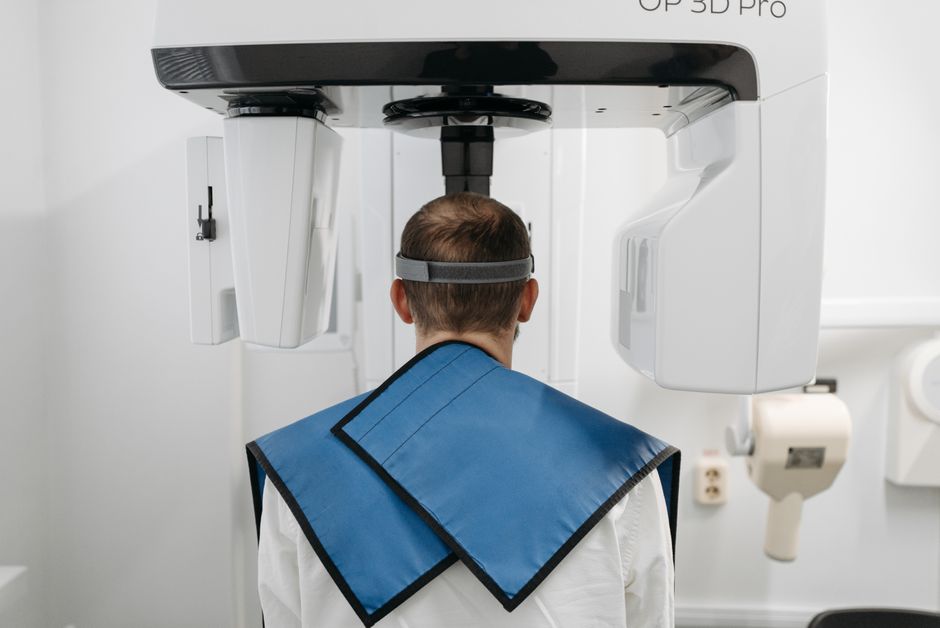
The SM3D Viewer is a comprehensive digital radiography and imaging software designed for clinics to efficiently manage and analyze medical images. With its robust features and user-friendly interface, the SM3D Viewer has become an essential tool for medical professionals to diagnose and treat patients effectively. In this article, we will explore the SM3D Viewer’s features, benefits, and provide a step-by-step guide on how to set up and use the software.
Clinic Workflow with Snapshots and Restore Points
One of the key features of the SM3D Viewer is its ability to create snapshots and restore points, allowing clinics to maintain a seamless workflow. This feature enables medical professionals to take snapshots of patient images at various stages of diagnosis and treatment, making it easier to track progress and identify potential issues.
Benefits of Using SM3D Viewer
The SM3D Viewer offers several benefits to clinics, including improved image quality, enhanced patient care, and increased productivity. With its advanced features and intuitive interface, the SM3D Viewer streamlines the diagnostic process, enabling medical professionals to make accurate diagnoses and develop effective treatment plans.
Installation Guide
System Requirements
Before installing the SM3D Viewer, ensure your system meets the following requirements:
- Operating System: Windows 10 or later
- Processor: Intel Core i5 or equivalent
- Memory: 8 GB RAM or more
- Graphics Card: NVIDIA GeForce GTX 1060 or equivalent
Step-by-Step Installation Process
Follow these steps to install the SM3D Viewer:
- Download the SM3D Viewer installation file from the official website.
- Run the installation file and follow the prompts to install the software.
- Launch the SM3D Viewer and follow the on-screen instructions to activate the software.
Technical Specifications
Software Features
The SM3D Viewer offers a range of advanced features, including:
- Multi-modality image viewing
- Advanced image processing and analysis tools
- Snapshot and restore point creation
- Integration with electronic health records (EHRs)
System Compatibility
The SM3D Viewer is compatible with a range of systems and devices, including:
- Windows 10 or later
- MAC OS X or later
- Mobile devices (iOS and Android)
Pros and Cons
Advantages of Using SM3D Viewer
The SM3D Viewer offers several advantages, including:
- Improved image quality and analysis capabilities
- Enhanced patient care and diagnosis
- Increased productivity and workflow efficiency
Disadvantages of Using SM3D Viewer
Some of the disadvantages of using the SM3D Viewer include:
- Steep learning curve for beginners
- High system requirements
- Limited compatibility with older systems
SM3D Viewer vs Alternatives
Comparison with Other Digital Radiography Software
The SM3D Viewer competes with other digital radiography software, including:
- OsiriX
- Horos
- 3D Slicer
Key Differences and Advantages
The SM3D Viewer offers several key differences and advantages over its competitors, including:
- Advanced image analysis and processing tools
- Improved user interface and workflow efficiency
- Integration with electronic health records (EHRs)
FAQ
Frequently Asked Questions
Here are some frequently asked questions about the SM3D Viewer:
- Is the SM3D Viewer free to download? Yes, the SM3D Viewer can be downloaded free from the official website.
- Is the SM3D Viewer compatible with my system? Check the system requirements and compatibility list to ensure the SM3D Viewer is compatible with your system.
- Can I integrate the SM3D Viewer with my EHR system? Yes, the SM3D Viewer can be integrated with electronic health records (EHRs) for seamless workflow and patient data management.
Conclusion
In conclusion, the SM3D Viewer is a powerful digital radiography and imaging software designed to improve clinic workflow, patient care, and diagnostic accuracy. With its advanced features, user-friendly interface, and seamless integration with EHRs, the SM3D Viewer is an essential tool for medical professionals. Download the SM3D Viewer today and experience the benefits of improved image quality, enhanced patient care, and increased productivity.