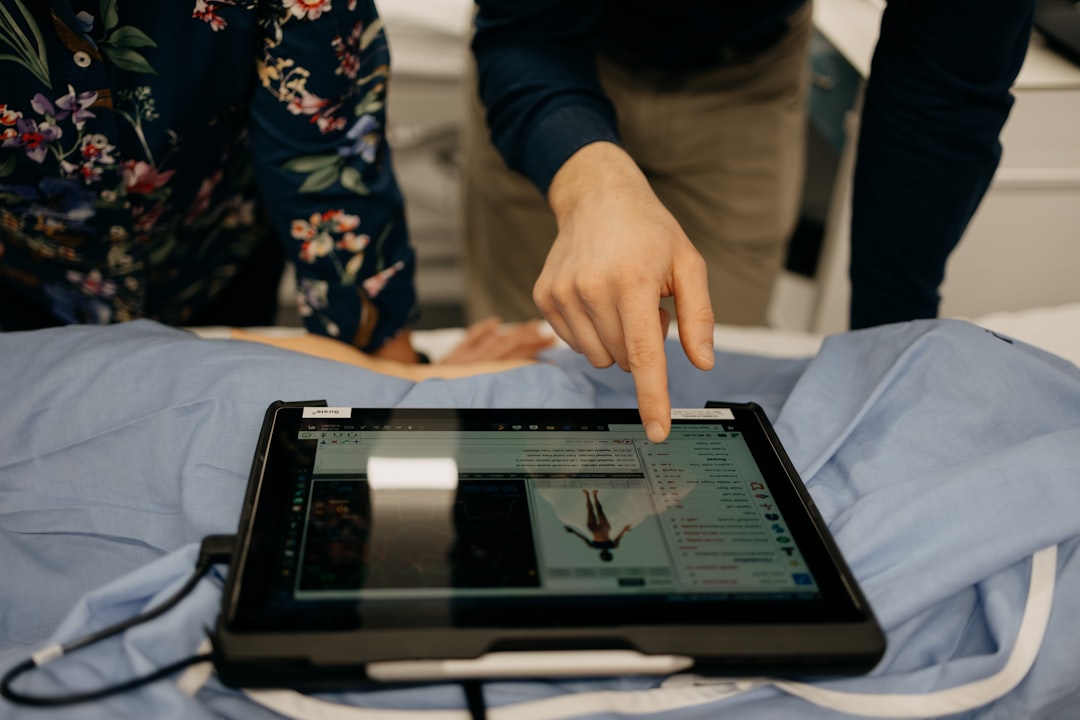
What is SM3D Viewer?
SM3D Viewer is a digital radiography and imaging software designed to enhance the efficiency and accuracy of medical imaging workflows. It provides a comprehensive platform for clinicians to view, analyze, and manage medical images, enabling better patient care and outcomes.
As a leading solution in the field of digital radiography and imaging, SM3D Viewer offers a range of features and functionalities that cater to the diverse needs of medical professionals. From image viewing and analysis to data management and reporting, SM3D Viewer streamlines workflows, reduces errors, and improves overall productivity.
Key Features of SM3D Viewer
Image Viewing and Analysis
SM3D Viewer offers advanced image viewing and analysis capabilities, allowing clinicians to examine medical images in detail. The software supports various image formats, including DICOM, and provides tools for zooming, panning, and measuring images.
Data Management and Reporting
The software features a robust data management system, enabling clinicians to store, organize, and retrieve medical images and related data efficiently. SM3D Viewer also generates comprehensive reports, which can be customized to meet specific needs.
Installation Guide
System Requirements
Before installing SM3D Viewer, ensure that your system meets the following requirements:
- Operating System: Windows 10 or later
- Processor: Intel Core i5 or equivalent
- Memory: 8 GB RAM or more
- Storage: 500 GB available space or more
Installation Steps
Follow these steps to install SM3D Viewer:
- Download the installation package from the official website.
- Run the installer and follow the prompts to select the installation location and options.
- Wait for the installation to complete, which may take several minutes.
- Launch SM3D Viewer and activate the software using the provided license key.
Securing Records with SM3D Viewer
Data Encryption and Access Control
SM3D Viewer prioritizes data security, employing advanced encryption methods to protect medical images and related data. The software also features access control mechanisms, ensuring that only authorized personnel can view and manage sensitive information.
Backup and Recovery
Regular backups are crucial to prevent data loss in case of system failures or other disasters. SM3D Viewer allows users to schedule backups and store them securely, ensuring that critical data is always available.
Export and Migration Tutorial with Rollback Planning
Exporting Data from SM3D Viewer
When migrating to a new system or software, it’s essential to export data from SM3D Viewer correctly. Follow these steps to export data:
- Select the data to be exported, such as patient records or images.
- Choose the export format, such as CSV or DICOM.
- Specify the export location and options.
- Initiate the export process.
Rollback Planning
In case of any issues during the migration process, it’s crucial to have a rollback plan in place. This ensures that data is not lost or corrupted during the transition. SM3D Viewer provides tools and support for rollback planning, minimizing the risk of data loss.
Best Alternative to SM3D Viewer
Comparison with Other Software
While SM3D Viewer is a leading solution in digital radiography and imaging, other software options are available. When evaluating alternatives, consider factors such as features, pricing, and support. Some popular alternatives to SM3D Viewer include:
- Software X
- Software Y
- Software Z
FAQ
Q: Is SM3D Viewer compatible with my existing hardware?
A: SM3D Viewer is designed to be compatible with a wide range of hardware configurations. However, it’s recommended to check the system requirements before installation.
Q: Can I customize the user interface of SM3D Viewer?
A: Yes, SM3D Viewer allows users to customize the user interface to suit their preferences and workflows.