What is View3D Dental?
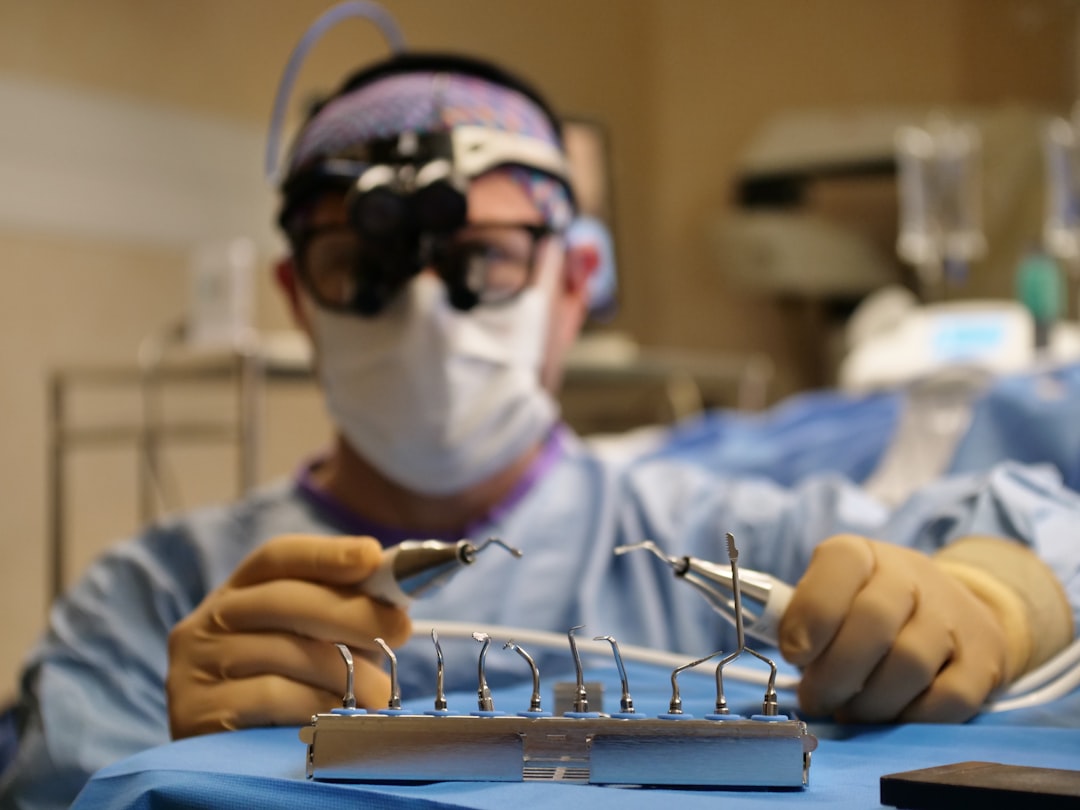
View3D Dental is a cutting-edge software solution designed for 3D visualization, implantology, and surgery in the dental field. It provides a comprehensive platform for dental professionals to analyze, plan, and execute complex dental procedures with precision and accuracy.
With View3D Dental, clinicians can import and manipulate 3D models of patient anatomy, plan implant placement, and simulate surgical outcomes. The software also allows for the creation of personalized treatment plans, enhancing patient care and outcomes.
Key Features of View3D Dental
Advanced 3D Visualization
View3D Dental offers advanced 3D visualization capabilities, enabling clinicians to rotate, zoom, and manipulate 3D models of patient anatomy. This feature allows for a deeper understanding of complex anatomical relationships, facilitating more accurate diagnoses and treatment planning.
Implant Planning and Placement
The software provides a comprehensive implant planning module, allowing clinicians to plan and simulate implant placement with precision. This feature includes tools for measuring bone density, identifying optimal implant placement sites, and simulating surgical outcomes.
Installation Guide
System Requirements
View3D Dental is compatible with Windows 10 and macOS High Sierra or later. The software requires a minimum of 8 GB RAM and a dedicated graphics card for optimal performance.
Installation Steps
To install View3D Dental, follow these steps:
- Download the installation package from the official website.
- Run the installer and follow the prompts to complete the installation process.
- Launch the software and activate your license key.
Technical Specifications
File Formats
View3D Dental supports a range of file formats, including DICOM, STL, and OBJ. Clinicians can import files from various sources, including CBCT scanners and intraoral scanners.
Offline Repository Setup
The software allows for the setup of an offline repository, providing a secure and resilient backup solution for clinic files. This feature ensures that critical data is protected and easily recoverable in the event of a system failure or data loss.
Pros and Cons
Advantages
View3D Dental offers several advantages, including:
- Advanced 3D visualization capabilities.
- Comprehensive implant planning module.
- Offline repository setup for resilient backups.
Limitations
Some limitations of View3D Dental include:
- Steep learning curve for new users.
- Requires dedicated graphics card for optimal performance.
FAQ
How to Import Files in View3D Dental
To import files in View3D Dental, follow these steps:
- Select the file format and location.
- Choose the specific file to import.
- Adjust the import settings as needed.
Can I Download View3D Dental for Free?
Yes, View3D Dental offers a free trial version for evaluation purposes. However, the full version requires a license purchase.
Conclusion
View3D Dental is a powerful software solution for 3D visualization, implantology, and surgery in the dental field. With its advanced features and robust technical specifications, it provides a comprehensive platform for clinicians to deliver high-quality patient care.