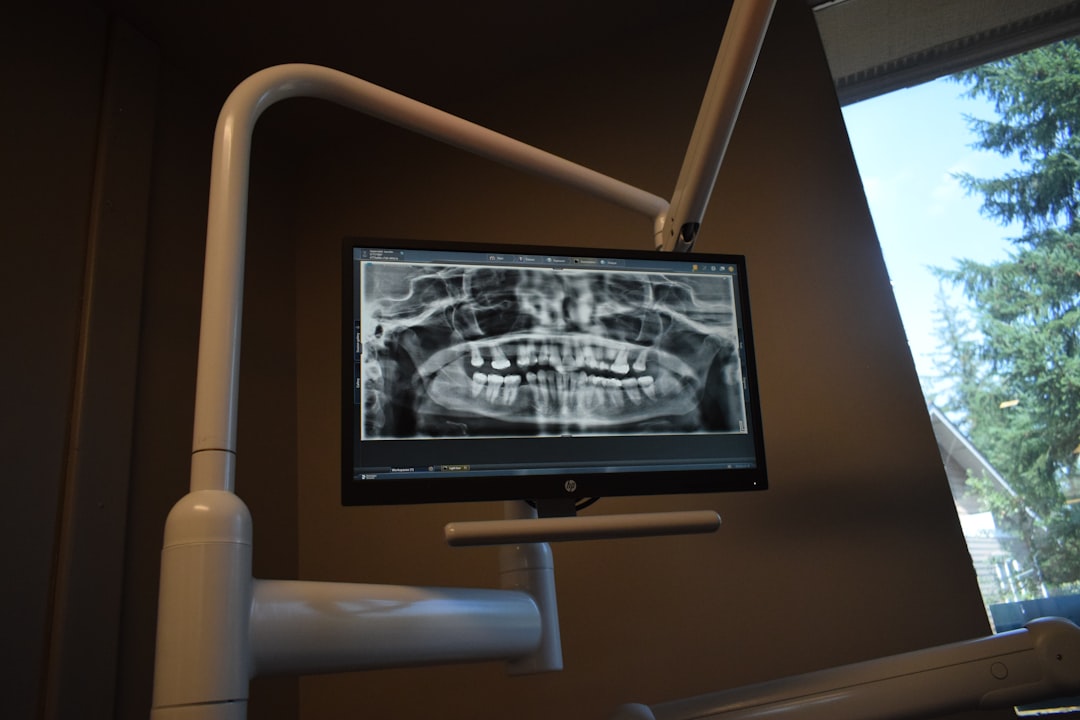
What is OpenEMR?
OpenEMR is an open-source, web-based electronic health record (EHR) and medical practice management system. It is designed to be highly customizable and can be used in a variety of healthcare settings, including dental practices. OpenEMR offers a comprehensive set of features, including patient demographic management, scheduling, billing, and clinical documentation.
Main Features of OpenEMR
Some of the key features of OpenEMR include:
- Patient demographic management: OpenEMR allows users to create and manage patient records, including demographic information, medical history, and billing information.
- Scheduling: OpenEMR includes a scheduling module that allows users to schedule appointments and manage provider schedules.
- Billing: OpenEMR includes a billing module that allows users to generate claims, track payments, and manage insurance information.
- Clinical documentation: OpenEMR includes a clinical documentation module that allows users to document patient encounters, including notes, diagnoses, and procedures.
Installation Guide
System Requirements
Before installing OpenEMR, it is essential to ensure that your system meets the minimum requirements. These include:
- Operating System: Linux, Windows, or macOS
- Web Server: Apache or IIS
- Database: MySQL or MariaDB
- PHP: version 7.2 or later
Step-by-Step Installation
Here is a step-by-step guide to installing OpenEMR:
- Download the OpenEMR installation package from the official website.
- Extract the package to a directory on your web server.
- Create a new database and user account for OpenEMR.
- Configure the OpenEMR configuration file to connect to the database.
- Run the OpenEMR installation script to complete the installation.
Troubleshooting OpenEMR
Common Issues
Some common issues that users may encounter when using OpenEMR include:
- Login errors: If you are having trouble logging in to OpenEMR, ensure that your username and password are correct, and that your account is active.
- Data errors: If you encounter errors when entering data into OpenEMR, ensure that you have the correct permissions, and that the data is formatted correctly.
- Printing errors: If you encounter errors when printing documents from OpenEMR, ensure that your printer is correctly configured, and that the document is formatted correctly.
Secure Records Guide with Encrypted Repositories
OpenEMR includes features to ensure the security and integrity of patient data. These include:
- Encrypted repositories: OpenEMR allows users to store data in encrypted repositories, which can help protect against unauthorized access.
- Dedupe archives: OpenEMR includes a deduplication feature that can help reduce storage requirements and improve data integrity.
- Retention policies: OpenEMR allows users to configure retention policies to ensure that data is retained for the required amount of time.
Download OpenEMR Free
Benefits of Using OpenEMR
Using OpenEMR can provide several benefits, including:
- Cost savings: OpenEMR is free to download and use, which can help reduce costs associated with implementing an EHR system.
- Customizability: OpenEMR is highly customizable, which can help ensure that it meets the specific needs of your practice.
- Security: OpenEMR includes features to ensure the security and integrity of patient data.
OpenEMR Alternative
Other EHR Systems
If you are considering alternatives to OpenEMR, some other EHR systems to consider include:
- Epic Systems
- Cerner
- Allscripts
Comparison of Features
When comparing OpenEMR to other EHR systems, it is essential to consider the features and functionality that are most important to your practice. Some key features to consider include:
- Patient demographic management
- Scheduling
- Billing
- Clinical documentation
FAQ
Common Questions
Here are some common questions and answers about OpenEMR:
| Question | Answer |
|---|---|
| Is OpenEMR free? | Yes, OpenEMR is free to download and use. |
| Is OpenEMR secure? | Yes, OpenEMR includes features to ensure the security and integrity of patient data. |
| Can I customize OpenEMR? | Yes, OpenEMR is highly customizable. |