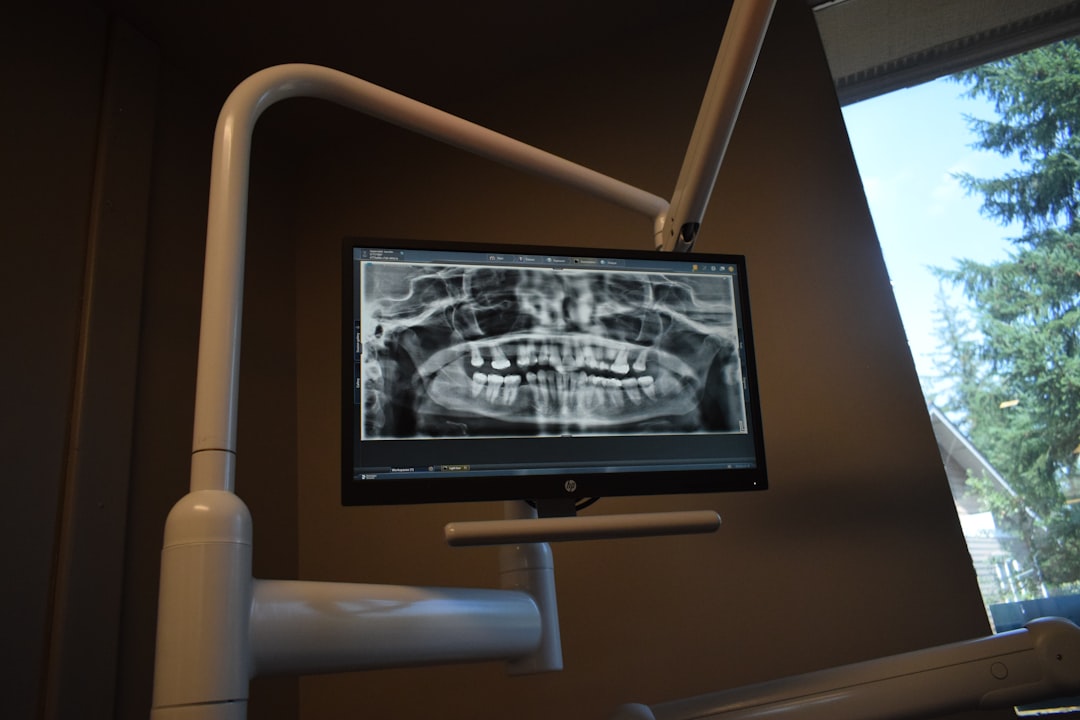
What is FreeDental?
FreeDental is a comprehensive dental practice management software designed to streamline clinic operations, enhance patient care, and improve overall efficiency. As a free and open-source solution, FreeDental offers a cost-effective alternative to traditional dental management systems. With its robust features and user-friendly interface, FreeDental has become a popular choice among dental professionals worldwide.
Main Features and Benefits
FreeDental boasts an impressive array of features that cater to the diverse needs of dental clinics. Some of its key benefits include:
- Comprehensive patient management: Store and manage patient records, appointments, and treatment plans in a centralized database.
- Streamlined scheduling: Easily schedule appointments, manage waiting lists, and send reminders to patients.
- Secure data storage: Protect sensitive patient data with robust encryption and secure backups.
- Customizable reporting: Generate detailed reports on patient demographics, treatment outcomes, and clinic performance.
Installation Guide
System Requirements
Before installing FreeDental, ensure your system meets the following requirements:
- Operating System: Windows 10 or Linux
- Processor: 2 GHz or higher
- Memory: 4 GB or higher
- Storage: 10 GB or higher
Step-by-Step Installation
Follow these steps to install FreeDental:
- Download the FreeDental installation package from the official website.
- Run the installer and follow the prompts to select the installation location and language.
- Choose the installation type: standalone or networked.
- Configure the database settings: choose the database management system and set up the connection.
- Complete the installation and launch FreeDental.
Offline Repository Setup for Resilient Backups
Why Offline Backups Matter
Regular backups are crucial to protect your clinic’s data from loss or corruption. Offline backups provide an additional layer of security by storing data in a separate location, away from the main database.
Setting Up an Offline Repository
To set up an offline repository for FreeDental, follow these steps:
- Create a new folder on an external drive or network location.
- Configure FreeDental to save backups to the new location.
- Schedule regular backups to ensure data is up-to-date.
Encryption and Retention Checklist
Encryption Best Practices
To ensure the security of your clinic’s data, follow these encryption best practices:
- Use a secure encryption algorithm, such as AES-256.
- Store encryption keys securely, away from the main database.
- Regularly update and rotate encryption keys.
Retention Policy Guidelines
Develop a retention policy to ensure compliance with regulatory requirements and to maintain data integrity:
- Define data retention periods for different types of data.
- Regularly review and update the retention policy.
- Ensure secure deletion of data at the end of the retention period.
Pros and Cons of FreeDental
Advantages
FreeDental offers several advantages, including:
- Cost-effective: FreeDental is free to download and use.
- Customizable: Tailor the software to meet your clinic’s specific needs.
- Secure: Robust encryption and secure backups protect sensitive data.
Disadvantages
Some potential drawbacks to consider:
- Steep learning curve: FreeDental requires time and effort to master.
- Limited support: As a free solution, support options may be limited.
- Compatibility issues: FreeDental may not be compatible with all systems or hardware.
Frequently Asked Questions
How to Import Files into FreeDental
To import files into FreeDental, follow these steps:
- Prepare the files: Ensure the files are in a compatible format.
- Launch FreeDental: Open the software and navigate to the import section.
- Select the files: Choose the files to import and follow the prompts.
FreeDental vs. Free Dental Tools
While both options are free, FreeDental offers a more comprehensive solution:
- Robust features: FreeDental includes a wide range of features to manage clinic operations.
- Customizable: Tailor the software to meet your clinic’s specific needs.
- Secure: FreeDental prioritizes data security with robust encryption and secure backups.