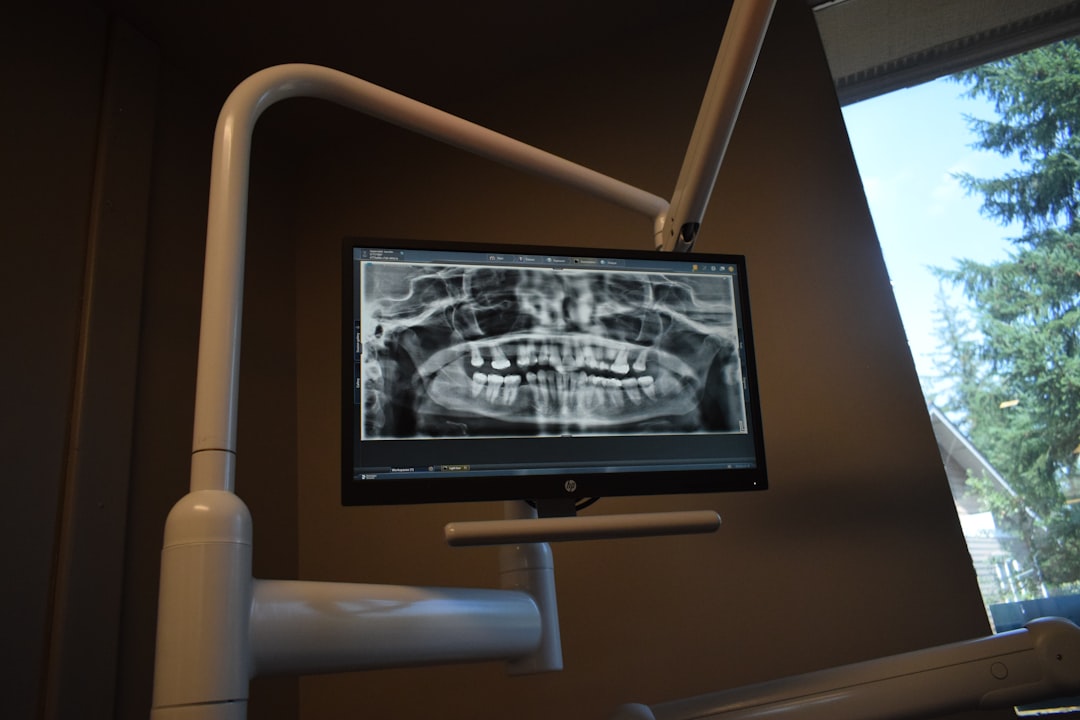
What is DentiSys Lite?
DentiSys Lite is a robust electronic medical records (EMR) and patient management software designed specifically for dental clinics. This innovative solution streamlines clinical workflows, enhances patient care, and optimizes practice management. DentiSys Lite offers a comprehensive suite of tools to manage patient data, scheduling, billing, and reporting, making it an ideal choice for dental professionals seeking to modernize their practice.
Main Features of DentiSys Lite
DentiSys Lite boasts an array of features that make it a top-notch EMR and patient management system. Some of its key features include:
- Electronic Medical Records (EMRs): DentiSys Lite allows you to store and manage patient records electronically, reducing paperwork and increasing data accuracy.
- Appointment Scheduling: The software enables you to manage appointments, cancellations, and rescheduling with ease, ensuring a smooth patient flow.
- Billing and Insurance: DentiSys Lite streamlines billing and insurance claims, reducing administrative tasks and ensuring timely payments.
- Reporting and Analytics: The software provides detailed reports and analytics to help you make informed decisions about your practice.
Installation Guide
Installing DentiSys Lite is a straightforward process that can be completed in a few steps. Here’s a step-by-step guide to help you get started:
Step 1: System Requirements
Before installing DentiSys Lite, ensure your system meets the following requirements:
- Operating System: Windows 10 or later
- Processor: Intel Core i3 or equivalent
- Memory: 4 GB RAM or more
- Storage: 10 GB available space or more
Step 2: Download and Installation
Download the DentiSys Lite installer from the official website and follow the on-screen instructions to complete the installation process.
Troubleshooting Sync and Import Issues with Recovery
Occasionally, you may encounter sync and import issues with DentiSys Lite. Here are some troubleshooting tips to help you resolve these issues:
Sync Issues
If you’re experiencing sync issues, try the following:
- Check your internet connection and ensure it’s stable.
- Verify that your DentiSys Lite account is up-to-date.
- Restart the software and try syncing again.
Import Issues
If you’re experiencing import issues, try the following:
- Check the file format and ensure it’s compatible with DentiSys Lite.
- Verify that the file is not corrupted or damaged.
- Try importing the file again, and if the issue persists, contact support.
How to Export Data from DentiSys Lite
Exporting data from DentiSys Lite is a straightforward process. Here’s a step-by-step guide:
Exporting Patient Records
To export patient records, follow these steps:
- Log in to your DentiSys Lite account.
- Navigate to the patient records section.
- Select the records you want to export.
- Choose the export format (e.g., CSV, Excel).
- Click the