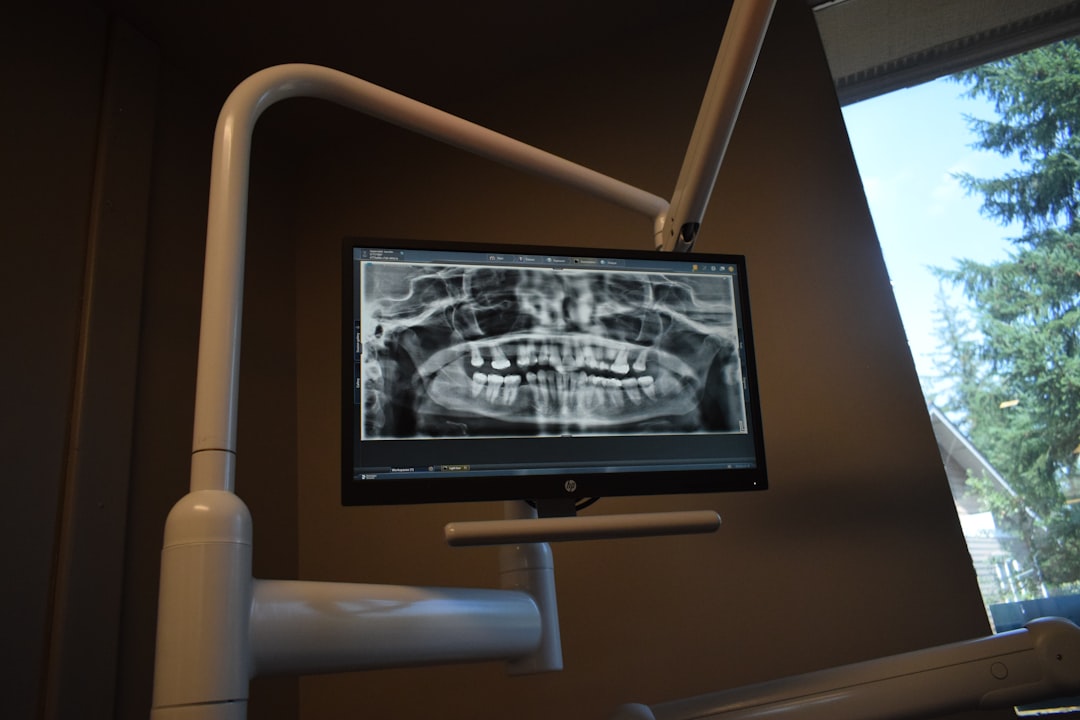
What is SmileEMR?
SmileEMR is a cutting-edge Electronic Medical Records (EMR) and Patient Management system designed to streamline clinical workflows, enhance patient care, and improve practice efficiency. Developed with the latest technology, SmileEMR offers a comprehensive suite of tools to manage patient records, scheduling, billing, and reporting. With a focus on security, scalability, and ease of use, SmileEMR has become a preferred choice for healthcare providers seeking to modernize their practice management.
Main Features and Benefits
SmileEMR boasts an array of features that cater to the diverse needs of healthcare providers, including:
- Secure Records Management: SmileEMR utilizes encrypted repositories to ensure the confidentiality and integrity of patient records, adhering to HIPAA compliance standards.
- Efficient Scheduling: The system’s scheduling module enables effortless appointment booking, reminders, and notifications, reducing no-shows and optimizing clinic productivity.
- Comprehensive Reporting: SmileEMR’s reporting features provide actionable insights into practice performance, enabling data-driven decisions to improve patient outcomes and business operations.
Installation Guide
System Requirements
Before installing SmileEMR, ensure your system meets the following requirements:
- Operating System: Windows 10 or macOS High Sierra (or later)
- Processor: Intel Core i5 or AMD equivalent
- Memory: 8 GB RAM or more
- Storage: 256 GB available disk space
Download and Installation
To download SmileEMR, follow these steps:
- Visit the Dents-soft website and navigate to the SmileEMR download page.
- Click on the ‘Download SmileEMR’ button to initiate the download process.
- Once the download is complete, run the installation executable and follow the on-screen instructions.
- Enter your license key to activate the software.
Troubleshooting Exports and Imports
Common Issues and Solutions
Encountering issues with exporting or importing data in SmileEMR? Refer to the following troubleshooting guide:
| Issue | Solution |
|---|---|
| Failed export due to file format incompatibility | Ensure the target file format is compatible with SmileEMR. Try exporting in a different format, such as CSV or PDF. |
| Import failure due to data inconsistencies | Verify the imported data for inconsistencies or errors. Correct the data and re-attempt the import process. |
Secure Records Guide with Encrypted Repositories
Best Practices for Data Encryption
To ensure the confidentiality and integrity of patient records, follow these best practices for data encryption in SmileEMR:
- Use strong passwords: Ensure all user passwords are complex and unique.
- Enable two-factor authentication: Add an extra layer of security to prevent unauthorized access.
- Regularly update software: Stay up-to-date with the latest SmileEMR updates and security patches.
SmileEMR Alternative
Comparison with Other EMR Systems
Considering alternatives to SmileEMR? Compare its features and benefits with other popular EMR systems:
- Feature-rich interface: SmileEMR’s intuitive interface offers a comprehensive suite of features, making it a top choice among healthcare providers.
- Scalability and flexibility: SmileEMR’s cloud-based infrastructure enables seamless scalability and flexibility, catering to the evolving needs of healthcare practices.
- Cost-effective solution: SmileEMR offers a competitive pricing model, providing an affordable solution for healthcare providers seeking to modernize their practice management.
Frequently Asked Questions
Additional Resources
Have more questions about SmileEMR? Refer to our FAQ section for additional resources and support:
- What is the cost of SmileEMR? Our pricing model is competitive and based on the number of users and features required.
- Is SmileEMR HIPAA compliant? Yes, SmileEMR adheres to HIPAA compliance standards, ensuring the confidentiality and integrity of patient records.
- Can I customize SmileEMR to meet my practice’s specific needs? Yes, our team offers customization services to tailor SmileEMR to your unique requirements.