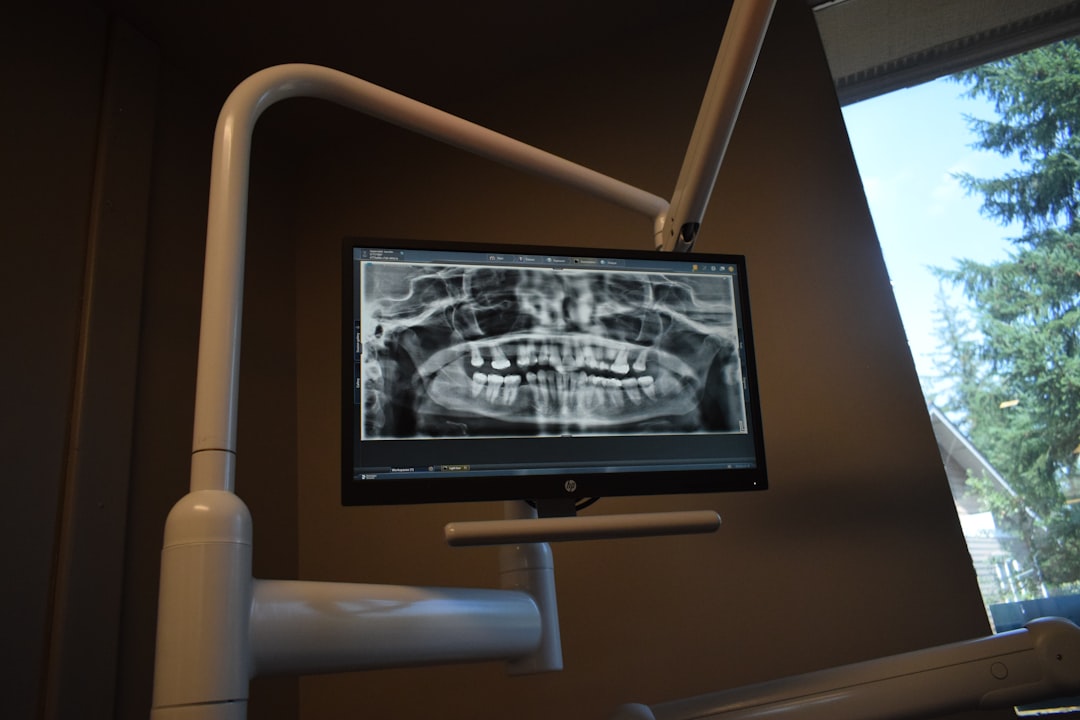
What is EpiDent?
EpiDent is a comprehensive electronic medical records (EMR) and patient management system designed specifically for dental clinics. It offers a secure and efficient way to manage patient data, appointments, and treatment plans. With EpiDent, dental professionals can streamline their workflow, reduce paperwork, and improve patient care.
Main Features
EpiDent’s main features include:
- Electronic patient charts and medical histories
- Appointment scheduling and reminders
- Treatment planning and billing management
- Secure data storage with encryption and backup
- Customizable templates and reporting tools
Installation Guide
System Requirements
To install EpiDent, your computer must meet the following system requirements:
- Operating System: Windows 10 or later
- Processor: Intel Core i3 or equivalent
- Memory: 4 GB RAM or more
- Storage: 10 GB free disk space or more
Step-by-Step Installation
Follow these steps to install EpiDent:
- Download the EpiDent installation package from the official website.
- Run the installation executable and follow the prompts.
- Accept the terms of the license agreement.
- Choose the installation location and click Install.
- Wait for the installation to complete.
Troubleshooting Exports and Imports
Common Issues
If you encounter issues with exporting or importing data in EpiDent, try the following troubleshooting steps:
- Check the file format and compatibility.
- Verify the data integrity and consistency.
- Consult the EpiDent user manual or online support resources.
Secure Records Guide
EpiDent provides a secure records guide with encrypted repositories to protect sensitive patient data. To ensure the security of your records:
- Use strong passwords and authentication protocols.
- Regularly back up your data to a secure location.
- Limit access to authorized personnel only.
Technical Specifications
| Feature | Specification |
|---|---|
| Database | Microsoft SQL Server |
| Encryption | AES-256 bit |
| Backup | Automatic daily backups |
Pros and Cons
Advantages
EpiDent offers several advantages, including:
- Improved patient care and outcomes.
- Streamlined workflow and increased efficiency.
- Secure and compliant data storage.
Disadvantages
Some potential disadvantages of EpiDent include:
- Steep learning curve for new users.
- Higher cost compared to some alternatives.
- Dependence on internet connectivity.
FAQ
Frequently Asked Questions
Here are some frequently asked questions about EpiDent:
- Q: Is EpiDent compatible with my existing software?
- A: Yes, EpiDent is designed to integrate with most dental software systems.
- Q: Can I download EpiDent for free?
- A: Yes, a free trial version of EpiDent is available for download.
- Q: What are some alternatives to EpiDent?
- A: Some popular alternatives to EpiDent include Dentrix, Eaglesoft, and Curve Dental.