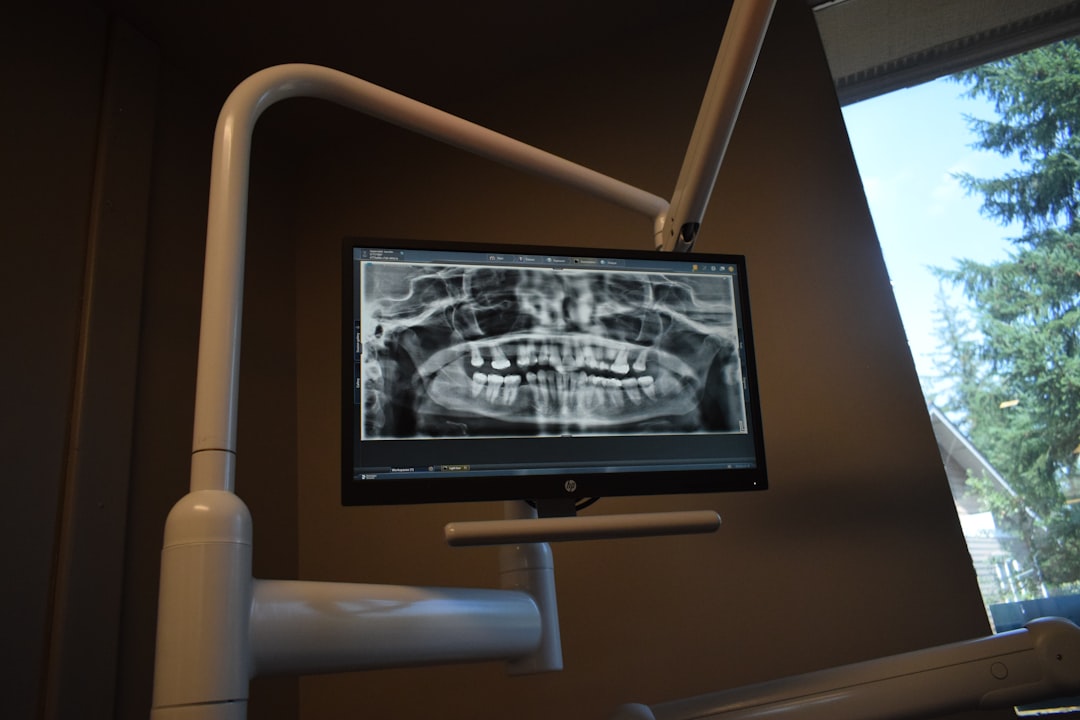
What is OrthoStudio Free?
OrthoStudio Free is a comprehensive software solution designed for dental professionals, specifically those involved in 3D visualization, implantology, and surgery. As a part of the Dents-soft ecosystem, OrthoStudio Free offers a range of features and tools that cater to the unique needs of dental clinics and practitioners. With its user-friendly interface and advanced functionality, OrthoStudio Free aims to streamline workflows, enhance patient care, and improve treatment outcomes.
Key Features and Benefits
3D Visualization and Modeling
OrthoStudio Free boasts advanced 3D visualization and modeling capabilities, allowing users to create detailed, accurate models of patient anatomy. This feature enables clinicians to better understand complex cases, plan procedures with precision, and communicate more effectively with patients.
Implantology and Surgery Planning
The software offers a range of tools and features specifically designed for implantology and surgery planning. Users can create detailed treatment plans, simulate procedures, and visualize outcomes, all within a single, intuitive interface.
Data Protection and Recovery
OrthoStudio Free prioritizes data protection and recovery, ensuring that sensitive patient information remains secure. The software includes features such as automatic backups, encryption, and repository management, providing peace of mind for clinicians and administrators alike.
Installation Guide
System Requirements
Before installing OrthoStudio Free, ensure that your system meets the minimum requirements:
- Operating System: Windows 10 or later
- Processor: Intel Core i5 or equivalent
- Memory: 8 GB RAM or more
- Storage: 256 GB available disk space
Download and Installation
To download OrthoStudio Free, visit the Dents-soft website and follow the prompts. Once downloaded, run the installer and follow the on-screen instructions to complete the installation process.
How to Recover a Project in OrthoStudio Free
Project Snapshots
OrthoStudio Free allows users to create project snapshots, which serve as automatic backups of their work. To recover a project, follow these steps:
- Open OrthoStudio Free and navigate to the project dashboard
- Click on the ‘Snapshots’ tab
- Select the desired snapshot and click ‘Restore’
Data Protection Checklist
To ensure the security and integrity of your data, follow this checklist:
- Enable automatic backups
- Use encryption to protect sensitive information
- Regularly update your software and operating system
- Use strong passwords and multi-factor authentication
Technical Specifications
System Compatibility
OrthoStudio Free is compatible with a range of systems and devices, including:
- Windows 10 and later
- macOS High Sierra and later
- iOS and Android devices (for mobile access)
File Formats
The software supports a variety of file formats, including:
- STL
- OBJ
- PLY
- DICOM
Pros and Cons
Advantages
OrthoStudio Free offers several advantages, including:
- Advanced 3D visualization and modeling capabilities
- Comprehensive implantology and surgery planning tools
- Robust data protection and recovery features
Disadvantages
While OrthoStudio Free is a powerful tool, it may have some limitations, including:
- Steep learning curve for new users
- Resource-intensive, requiring significant system resources
Comparison with Free Dental Tools
OrthoStudio Free vs. Free Dental Tools
While there are several free dental tools available, OrthoStudio Free stands out due to its comprehensive feature set and advanced functionality. Unlike many free alternatives, OrthoStudio Free offers:
- Advanced 3D visualization and modeling capabilities
- Comprehensive implantology and surgery planning tools
- Robust data protection and recovery features
Conclusion
OrthoStudio Free is a powerful software solution designed for dental professionals. With its advanced features, comprehensive tools, and robust data protection, it is an ideal choice for clinicians and administrators seeking to streamline workflows, enhance patient care, and improve treatment outcomes.