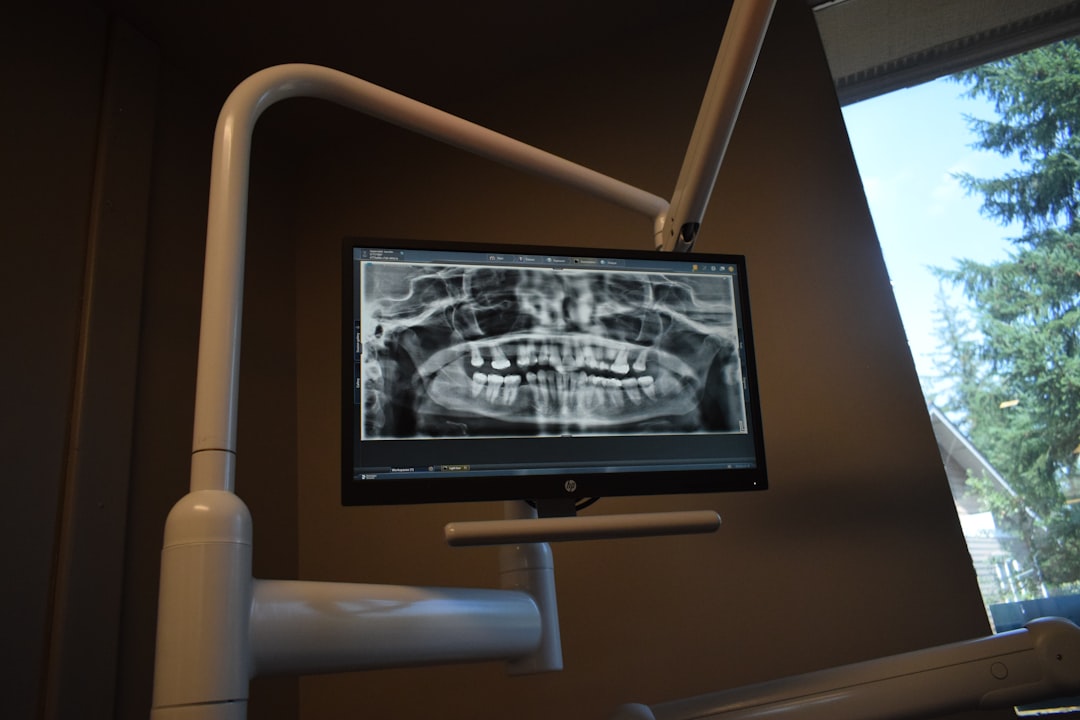
What is Dental Anatomy VR (Free demo)?
Dental Anatomy VR (Free demo) is an innovative educational tool designed for dental students, professionals, and educators. This cutting-edge software utilizes virtual reality (VR) technology to provide an immersive and interactive learning experience, allowing users to explore the intricacies of dental anatomy in unprecedented detail.
Main Features
Dental Anatomy VR (Free demo) boasts an array of features that make it an indispensable resource for anyone seeking to deepen their understanding of dental anatomy. These include:
- Interactive 3D models of teeth, gums, and surrounding tissues
- Virtual dissection and exploration of dental structures
- Real-time zoom and rotation capabilities for enhanced visualization
- Accurate and detailed representations of dental anatomy, conforming to international standards
Installation Guide
System Requirements
Before installing Dental Anatomy VR (Free demo), ensure your system meets the following requirements:
| Component | Minimum Requirement |
|---|---|
| Operating System | Windows 10 or macOS High Sierra (or later) |
| Processor | Intel Core i5 or AMD equivalent |
| Memory | 8 GB RAM |
| Graphics | NVIDIA GeForce GTX 1060 or AMD Radeon RX 580 |
Download and Installation
Follow these steps to download and install Dental Anatomy VR (Free demo):
- Visit the Dents-soft website and navigate to the Dental Anatomy VR (Free demo) download page.
- Click the ‘Download’ button to initiate the download process.
- Once the download is complete, run the installation file and follow the prompts to install the software.
- Launch Dental Anatomy VR (Free demo) and begin exploring the world of dental anatomy in VR.
Troubleshooting Guide
Common Issues and Solutions
If you encounter any issues while using Dental Anatomy VR (Free demo), refer to the following troubleshooting guide:
| Issue | Solution |
|---|---|
| Software not launching | Check system requirements and ensure the software is installed correctly. |
| Graphics issues | Update graphics drivers or adjust graphics settings within the software. |
| Crashing or freezing | Close other resource-intensive programs and try restarting the software. |
Secure Records Guide with Encrypted Repositories
Protecting Sensitive Data
Dental Anatomy VR (Free demo) prioritizes data security and provides users with encrypted repositories to store sensitive records. To ensure the secure storage of your data:
- Create a secure password and store it in a safe location.
- Use the software’s built-in encryption feature to protect your records.
- Regularly back up your data to prevent loss in case of system failure.
FAQ
Frequently Asked Questions
Q: Is Dental Anatomy VR (Free demo) compatible with my operating system?
A: Yes, Dental Anatomy VR (Free demo) is compatible with both Windows and macOS.
Q: Can I use Dental Anatomy VR (Free demo) on multiple devices?
A: Yes, you can install Dental Anatomy VR (Free demo) on multiple devices, but you will need to purchase a separate license for each device.
Q: Is there a free trial available for Dental Anatomy VR (Free demo)?
A: Yes, a free demo version is available for download on the Dents-soft website.
Best Alternative to Dental Anatomy VR (Free demo)
Exploring Other Options
If you’re looking for alternative dental anatomy software, consider the following options:
- Dental Anatomy Atlas
- 3D Dental Anatomy
- Dental Simulator
Each of these alternatives offers unique features and benefits, so be sure to research and compare them to find the best fit for your needs.