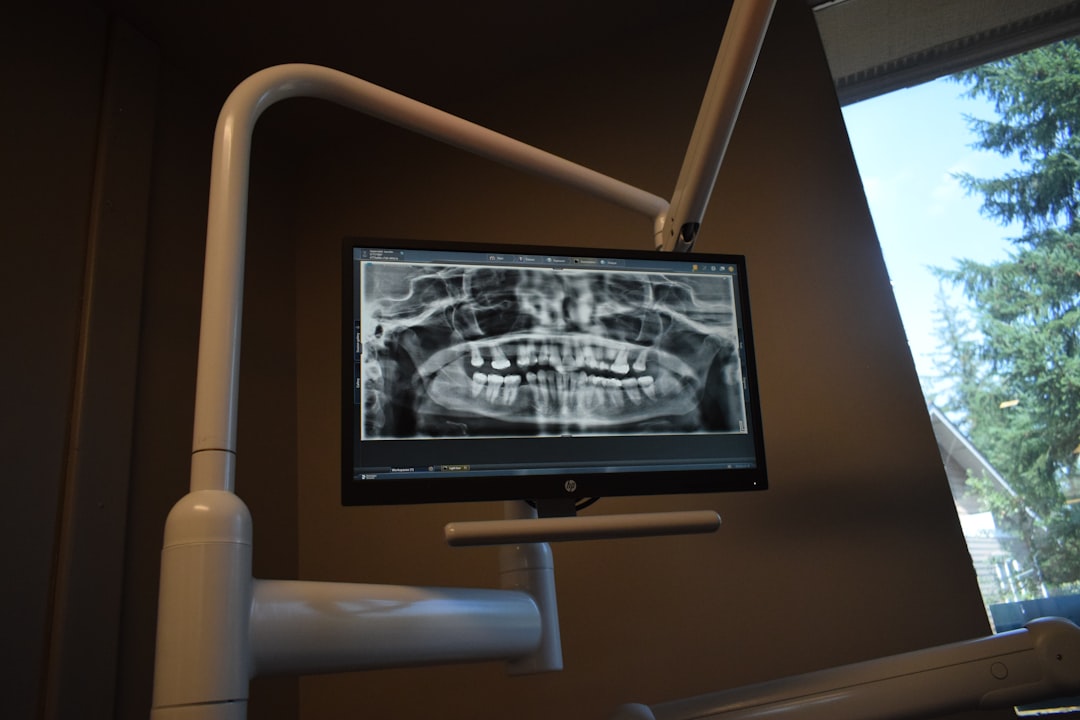
What is Simple3DScan Dental?
Simple3DScan Dental is a cutting-edge software solution designed specifically for dental professionals, aiming to streamline their workflow and enhance patient care. This innovative tool is part of the Additional Tools category, offering a comprehensive suite of features to support dentists, orthodontists, and other dental specialists in their daily practice.
Main Features and Benefits
Simple3DScan Dental boasts an impressive array of features, including advanced 3D scanning capabilities, precise measurement tools, and seamless integration with popular dental software. These features enable dental professionals to create accurate digital models, simulate treatments, and communicate effectively with patients and colleagues.
Installation Guide
System Requirements
Before installing Simple3DScan Dental, ensure your computer meets the following system requirements:
- Operating System: Windows 10 or macOS High Sierra (or later)
- Processor: Intel Core i5 or AMD equivalent
- RAM: 8 GB or more
- Graphics Card: NVIDIA GeForce GTX 1060 or AMD Radeon RX 580
Step-by-Step Installation
Follow these steps to install Simple3DScan Dental:
- Download the installation package from the official website or a trusted source.
- Run the installer and follow the prompts to select the installation location and language.
- Accept the terms and conditions, then click