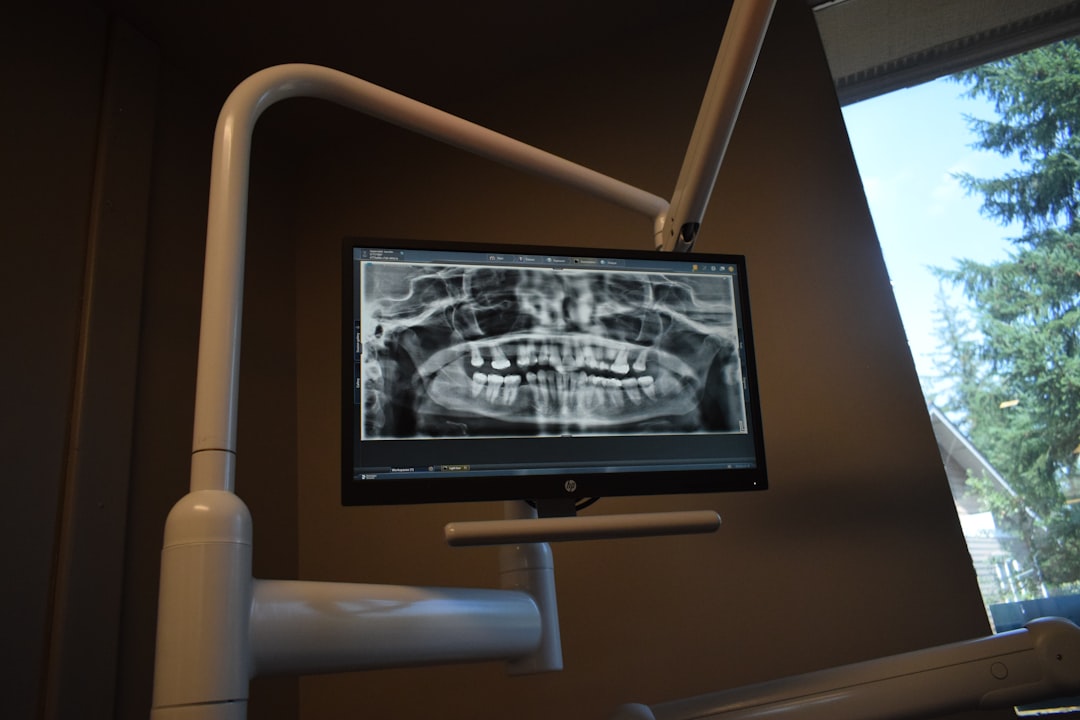
What is HealthOne Community Edition (Dental)?
HealthOne Community Edition (Dental) is a comprehensive electronic medical records and patient management system designed specifically for dental clinics. It is a part of the HealthOne suite of products, which aims to provide a seamless and integrated healthcare experience. The Community Edition (Dental) is tailored to meet the unique needs of dental practices, offering a range of features that streamline clinical and administrative tasks.
Main Features
Some of the key features of HealthOne Community Edition (Dental) include:
- Electronic Medical Records (EMRs): A centralized repository for storing and managing patient records, including medical history, treatment plans, and billing information.
- Patient Management: Tools for scheduling appointments, managing recalls, and tracking patient communications.
- Clinical Decision Support: Integrated clinical decision support systems that provide dentists with real-time guidance on diagnoses, treatments, and medications.
- Reporting and Analytics: Advanced reporting and analytics capabilities that enable dental clinics to track key performance indicators, identify trends, and make data-driven decisions.
Installation Guide
System Requirements
Before installing HealthOne Community Edition (Dental), ensure that your system meets the following requirements:
- Operating System: Windows 10 or later, macOS High Sierra or later
- Processor: Intel Core i5 or equivalent
- Memory: 8 GB RAM or more
- Storage: 256 GB or more of available disk space
Installation Steps
Follow these steps to install HealthOne Community Edition (Dental):
- Download the installation package from the official website.
- Run the installation file and follow the prompts to select the installation location and language.
- Enter your license key and activate the software.
- Configure the software settings, including user accounts, security options, and integration with other systems.
Technical Specifications
Data Backup and Recovery
HealthOne Community Edition (Dental) includes robust data backup and recovery features, including:
- Automated backups: Schedule regular backups of your data to ensure business continuity.
- Immutable backups: Store backups in a tamper-proof format to prevent unauthorized access or modifications.
- Recovery options: Quickly recover your data in the event of a disaster or system failure.
Audit Logs and Compliance
The software includes advanced audit logging and compliance features, including:
- Audit logs: Track all system activity, including user logins, data access, and modifications.
- Compliance reporting: Generate reports to demonstrate compliance with regulatory requirements, such as HIPAA.
Pros and Cons
Advantages
Some of the advantages of using HealthOne Community Edition (Dental) include:
- Improved clinical efficiency: Streamline clinical workflows and reduce administrative burdens.
- Enhanced patient care: Provide better care coordination and communication with patients.
- Increased security: Protect sensitive patient data with robust security features.
Disadvantages
Some of the disadvantages of using HealthOne Community Edition (Dental) include:
- Steep learning curve: Requires significant training and support to fully utilize the software.
- High upfront costs: May require significant investment in hardware, software, and implementation services.
FAQ
How to Export Data from HealthOne Community Edition (Dental)
To export data from HealthOne Community Edition (Dental), follow these steps:
- Log in to the software and navigate to the reporting module.
- Select the data you want to export and choose the export format (e.g., CSV, Excel).
- Configure the export options, including data filtering and sorting.
- Click the